Finishing tools studio
Video Watermark Remover
A video mark can move, overlap different textures or cover a subject. Check the authorized source throughout the clip and review the repaired area in motion, not only in a still frame.
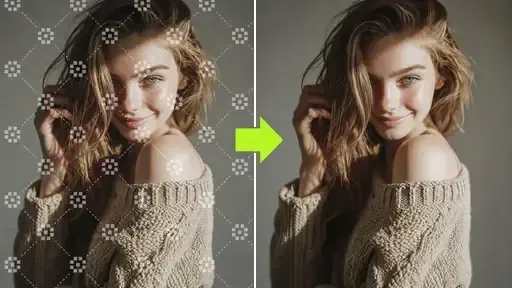
A clearer creative process
Make the nextframe yours.
Explore the watermark remover workflow, with clear input controls and model-specific limits. Start with one clear intention, then refine the setting, style and output format without losing your place.
Keep your prompt and model settings together. Switch tasks deliberately, reuse a good idea and stay focused on the part of the workflow that matters.
Three steps. Your direction.
A starting point, not a learning curve.
Bring your starting point
Write a brief and select authorized reference media.
Make it your own
Choose a compatible model and review its input limits, ratio and output settings.
Review, then keep creating
Review your inputs and model settings before starting a task. Check the result and refine your brief for the next creation.
Good questions
A few things to know.
What should I know about this search topic?
A video mark can move, overlap different textures or cover a subject. Check the authorized source throughout the clip and review the repaired area in motion, not only in a still frame.
What should I prepare for AI Watermark Remover?
Confirm you have the right to remove the mark. Use the best source file available and select the image or video configuration that matches it. A licensed clean source is preferable when one is available.
How do I choose a model?
Choose by input compatibility and the controls your project needs. Open the model selector to review reference requirements, supported parameters and the available credit rule. A model name alone does not establish that it fits every task.
What determines the cost?
The selected model and output settings determine the credit requirement. Membership and one-time credit packs have different roles. Review the pricing page and the task quote before deciding what to run.
Can I use the output commercially?
Rights depend on your source material, the selected provider’s terms and how you plan to use the result. Use authorized inputs and review the Terms of Service; a tool page does not grant rights to a person’s likeness, music or third-party property.
Go a little deeper
Notes for your next creation.
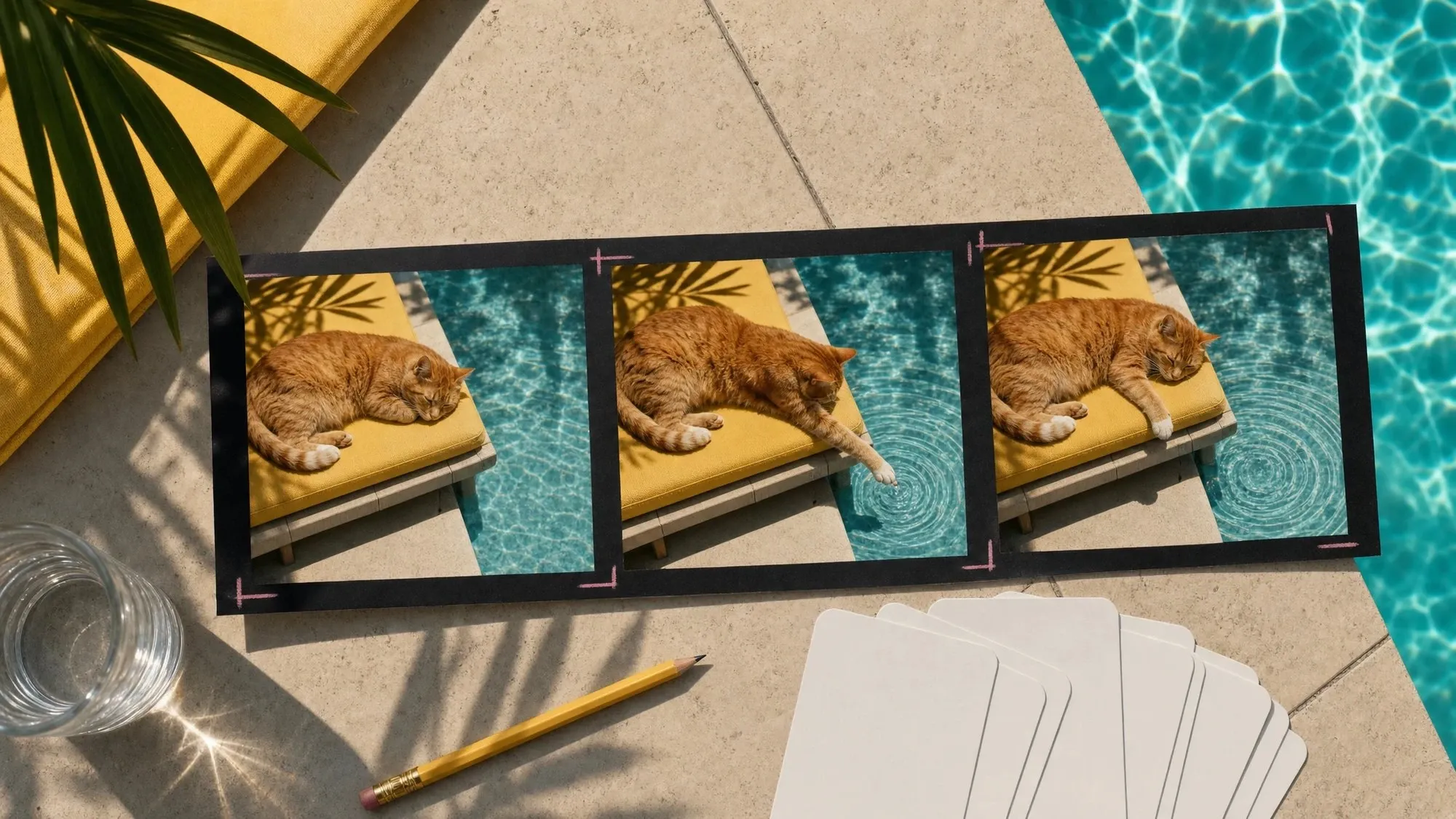
How to turn a still image into a story
A practical shot-planning guide: choose one movement, protect the subject, and give the camera a reason to move.
Read story
Best AI Image Generator for Your Design Brief
Best AI image generator for your brief? Compare four tools by reference controls, export formats, and the revisions you need before choosing a workflow.
Read story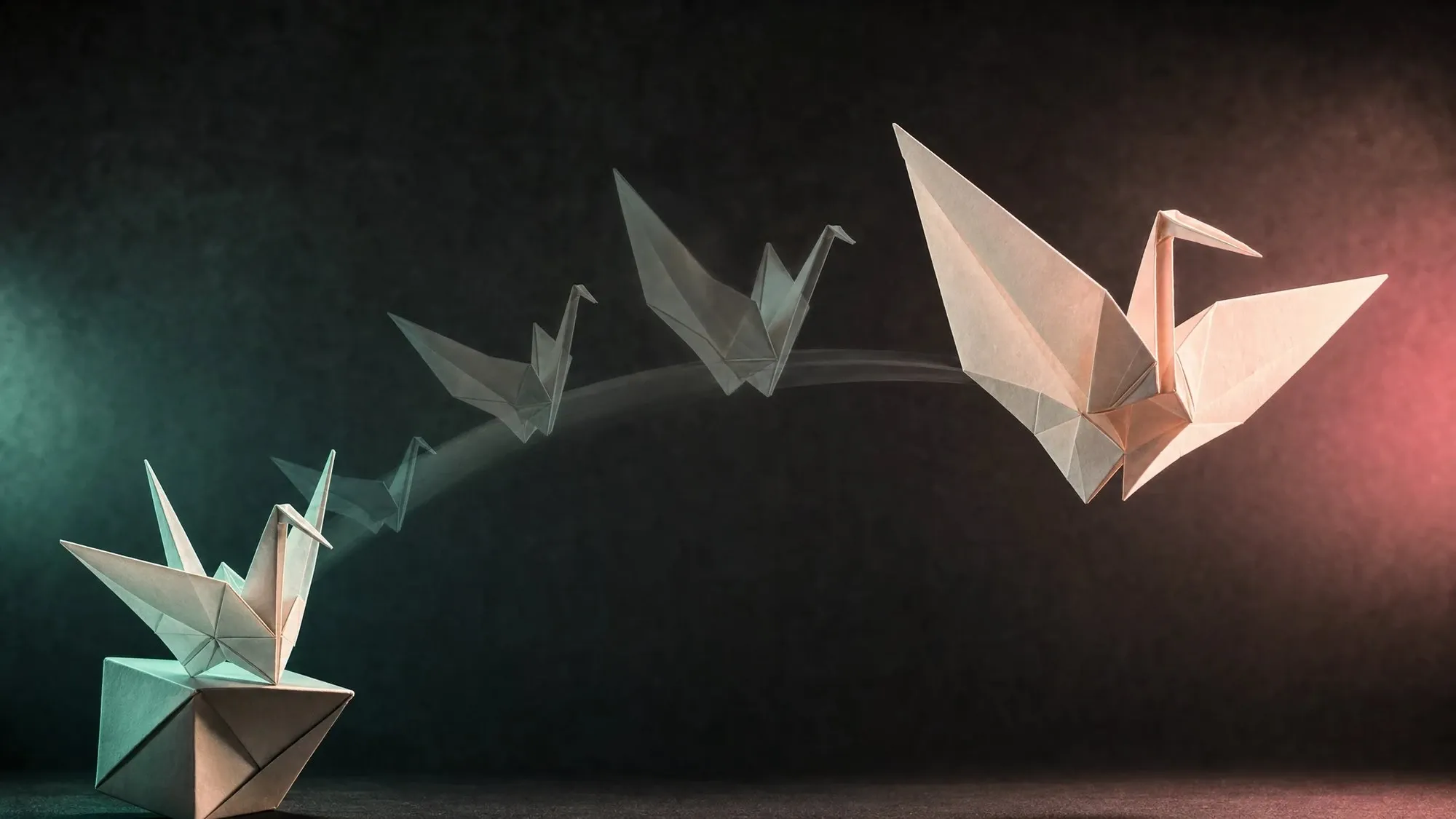
Give your video a beginning and an ending
Two reference frames can make a transition easier to plan. Here is how to prepare them and avoid impossible motion.
Read storyStart with the right material
Confirm you have the right to remove the mark. Use the best source file available and select the image or video configuration that matches it. A licensed clean source is preferable when one is available.
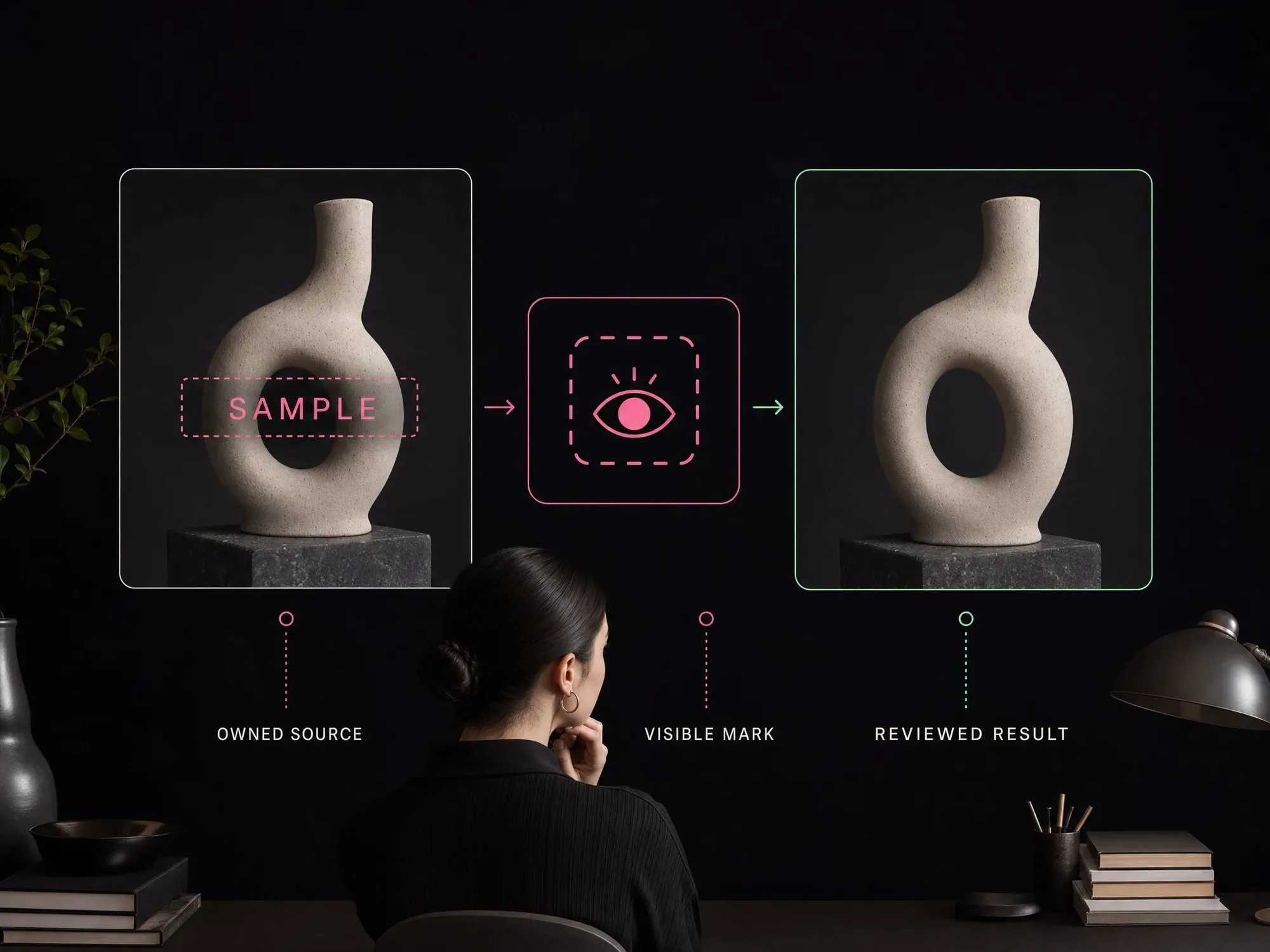
Give the model a useful direction
Identify the visible mark without treating all provenance signals as the same thing. Removing an on-screen logo is different from removing metadata or invisible content credentials.
Review the details that matter
Inspect the area under the mark for texture changes, repeating patterns and frame-to-frame flicker. Do not remove marks to misrepresent ownership, licensing or the origin of media.