Character and avatar studio
AI Head Swap for Photos and Video
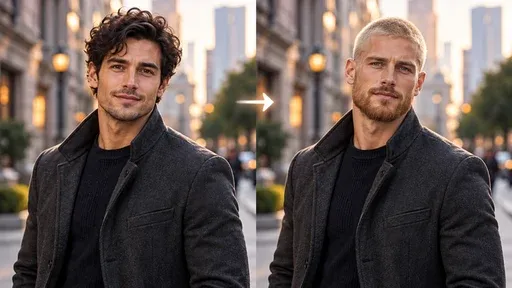
Replace a subject’s head using a separate visual reference. A head-swap brief needs attention to proportion, viewing angle and the connection between the new head and the target composition.
A clearer creative process
Pay attention to scale and the neck seam
A head that looks right in isolation can feel too large or too small on the target body. Use references with similar camera angles and a visible outline. Watch for seams around the neckline, ears and hair during movement.
Example brief: Use two authorized images with matching three-quarter angles. Compare head scale and hair outline at the same crop.
Three steps. Your direction.
How to replace the whole head
Prepare a full head reference
Keep the hair, ears and outline in view. Use authorized source media.
Align it with the target
Choose a compatible target and compare the head angle, size and shoulder line.
Review the outline
Inspect the neck seam and hair silhouette across difficult poses or motion.
Good questions
A few things to know.
What is the difference between Face Swap and Head Swap?
Face Swap focuses on facial features. Head Swap is for changes that include the whole head outline, such as hair or head shape.
Do I need to show the entire hairstyle in the reference?
A full, unobstructed outline helps when the hairstyle is part of the change. Avoid a crop that cuts it off.
How can I reduce a visible seam at the neck?
Try a reference with a similar head tilt and lighting. Review the neck and shoulder boundary before export.
Can I use a side profile?
It can work when the target also uses a similar profile. Large differences in angle are harder to reconcile.
Why does the head look too large?
The source and target may use different perspective or crops. Compare the head-to-shoulder scale and try a closer match.
Start with the right material
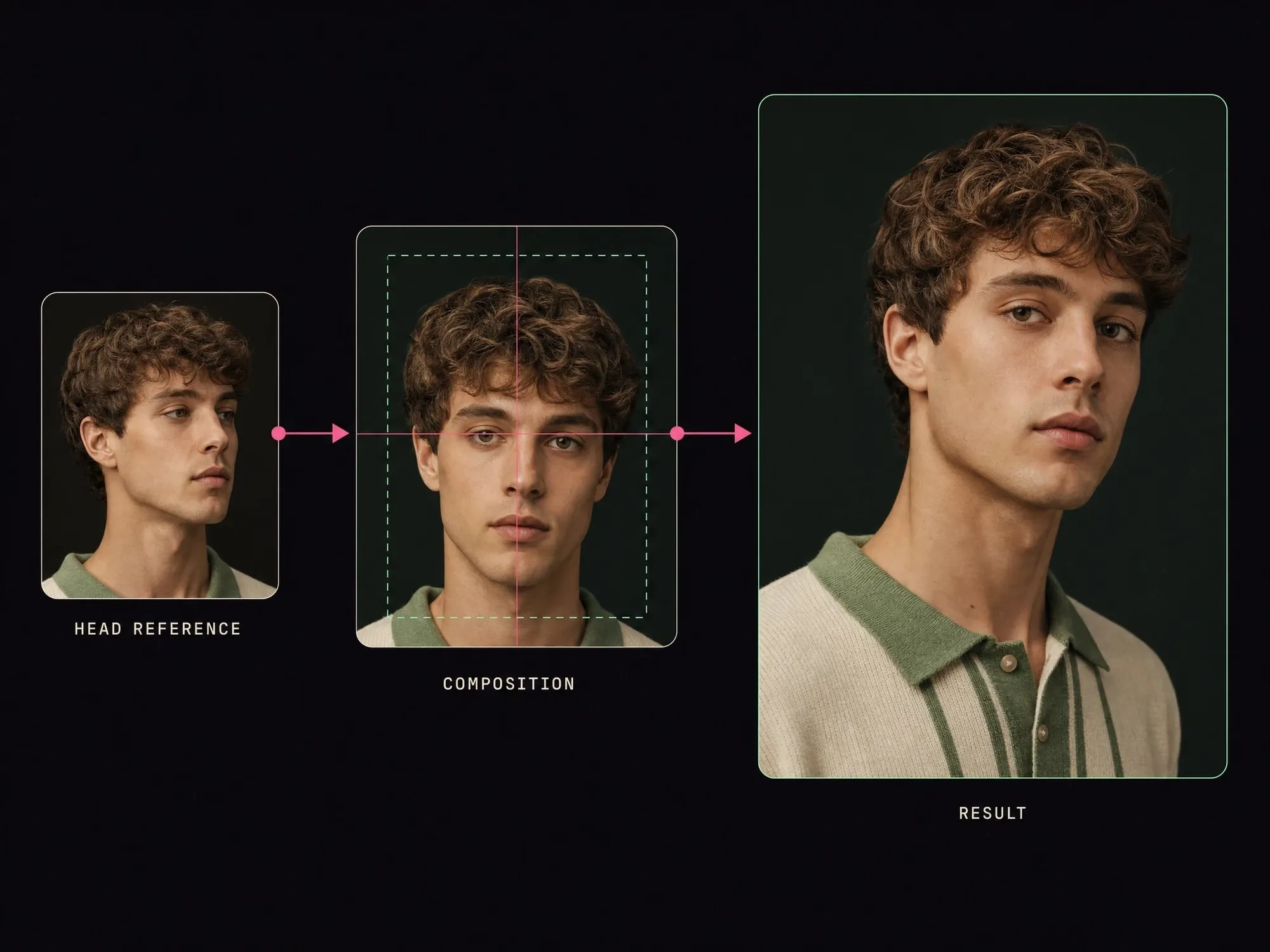
Prepare an authorized head reference and target image. A similar angle, visible neck area and compatible lighting reduce ambiguity. Use face swap if the task is limited to the face rather than the full head.
Give the model a useful direction
State which appearance details come from the reference and which remain from the target. Pay attention to hairstyle, head size, posture and the scene’s light direction.
Review the details that matter
Check neck alignment, hair edges, head proportions and shadows. Review the full composition as well as a close crop. Use real-person likenesses only with permission and avoid misleading attribution.