Audio and music studio
AI Video Sound Effects from a Source Clip
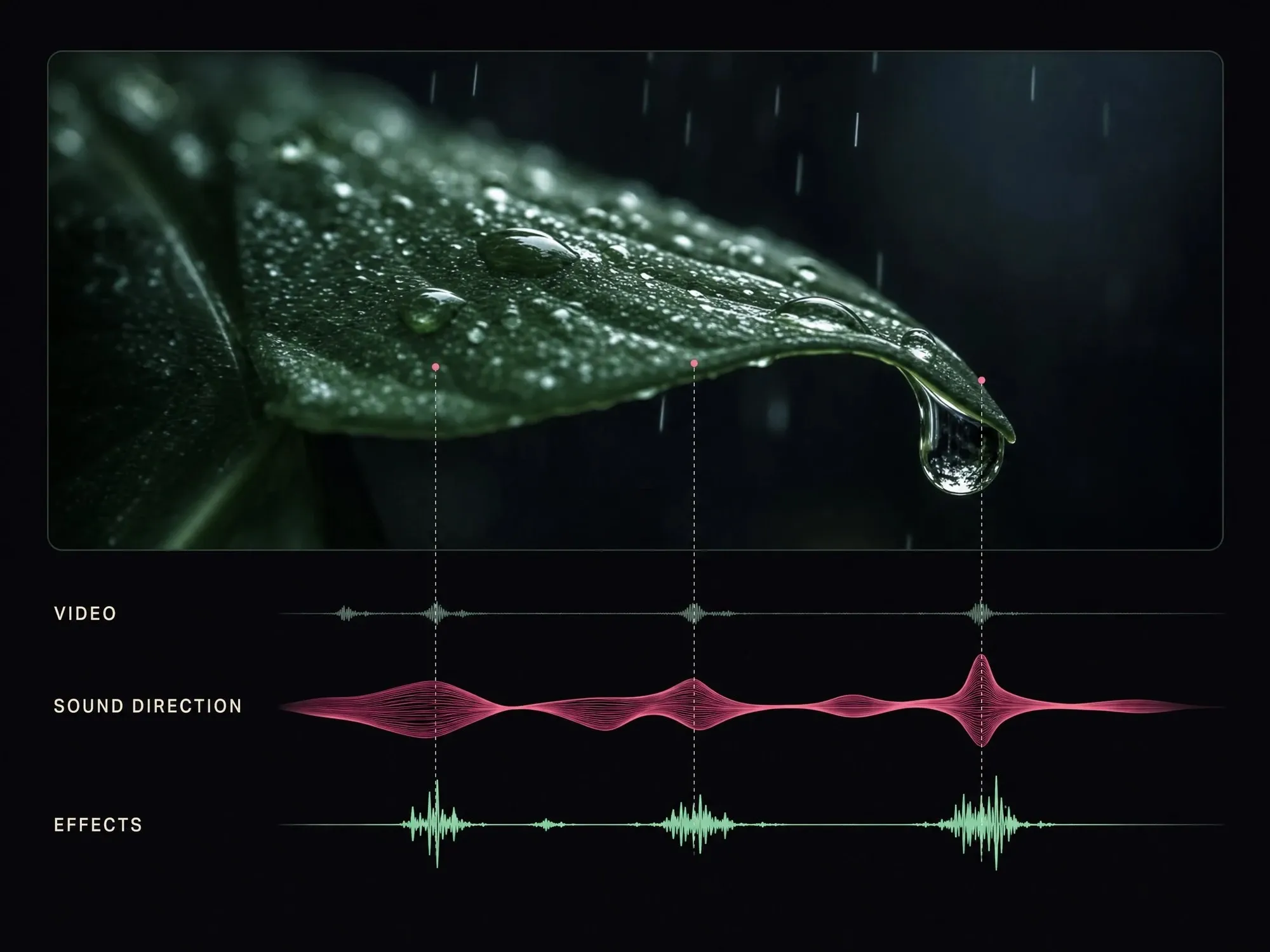
Give a visual scene a sound direction. A video sound-effects workflow helps describe ambience and events that belong in the picture, from rain on leaves to a door closing off camera.

A clearer creative process
Listen for the action beats in the picture
Make a short list of sounds the scene needs. A door latch should land when the handle turns, while room tone can continue under the shot. Compare the audio with the original image, and check whether any cue distracts from the main action.
Example brief: Use a short source clip of a kettle settling onto a counter. Listen for the contact cue separately from the kitchen ambience.
Three steps. Your direction.
How to build sound effects around a clip
Choose a clip with a clear action
Use a supported source video where the event you want to hear is easy to see.
Identify background and action cues
Separate continuous ambience from distinct sounds such as footsteps or a closing door.
Review audio against picture
Play the source and result together and listen for timing, distracting cues or missing sounds.
Good questions
A few things to know.
Do I need a source video?
This workflow starts from a video. Use a supported clip that shows the action for the model to interpret.
Can this remove existing background noise?
It creates sound effects for a clip. Use a dedicated audio cleanup workflow when your goal is to remove noise from an existing track.
How do I check if an effect is early or late?
Find a visible impact or contact point and listen for the corresponding cue. Replay the moment if the sound feels off.
Does this generate music or narration?
It focuses on scene sounds. Use the music or speech tools for those separate parts of a soundtrack.
What clip should I use for the first test?
Choose a short shot with a clear action, such as one door closing or one person taking a step.
Start with the right material
Choose a clip with clear visual events and identify which sounds matter. Review the selected model’s video and audio options. Adding new sound effects is different from removing noise from an existing recording.
Give the model a useful direction
Describe foreground effects, background ambience and timing separately. Specify whether a sound should be subtle or prominent. Leave room for dialogue or music if those tracks will be added later.
Review the details that matter
Listen with the picture and on its own. Check synchronization, repeated sounds and excessive ambience. Confirm that the sound supports the action rather than suggesting events that are not visible.