avatar studio
AI Lip Sync for Avatars
Align a speaking visual with a script or audio performance. Lip sync focuses on the relationship between speech and visible mouth movement, so the audio and face reference should be clear.
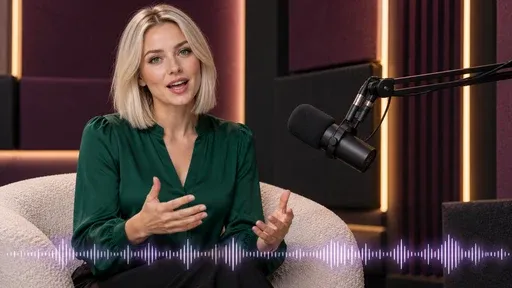
A clearer creative process
Listen for the moments that expose a timing error
Lip sync is easiest to judge at sharp consonants and clear pauses. Watch for mouth movement before the first word or after the line ends. If the track includes music or overlapping voices, use a clean spoken version to make the timing easier to check.
Example brief: Use a short clean track with the line: Please place the blue box here. Check the mouth closures on please, place and box.
Three steps. Your direction.
How to check mouth timing against speech
Select the speaking avatar
Choose the avatar or supported input you want to match to the speech.
Add clean speech
Use one clear voice and give the pauses enough room.
Check audio against the mouth
Review the starts, stops and mouth closures at normal playback speed.
Good questions
A few things to know.
Does Lip Sync create a new avatar?
Its role is to match speech and mouth movement. Use AI Avatar Creator to build an avatar from eligible source material.
What audio works best for lip sync?
Use a clear track with one speaker, limited background noise and little or no music over the voice.
How do I spot an audio offset?
Watch a word with a clear mouth closure and listen for the matching sound. Also check the first word after a pause.
Why does the mouth move during silence?
Review the audio for noise or speech tails. A cleaner edit can make silence and phrase boundaries easier to detect.
Can I use a translated line?
Prepare the audio or script in the desired language and check the speech options available in the selected configuration.
Start with the right material
Prepare the model’s required portrait or video input and a clean voice track or script. Review the supported combination before uploading. Use authorized speech and likeness references.
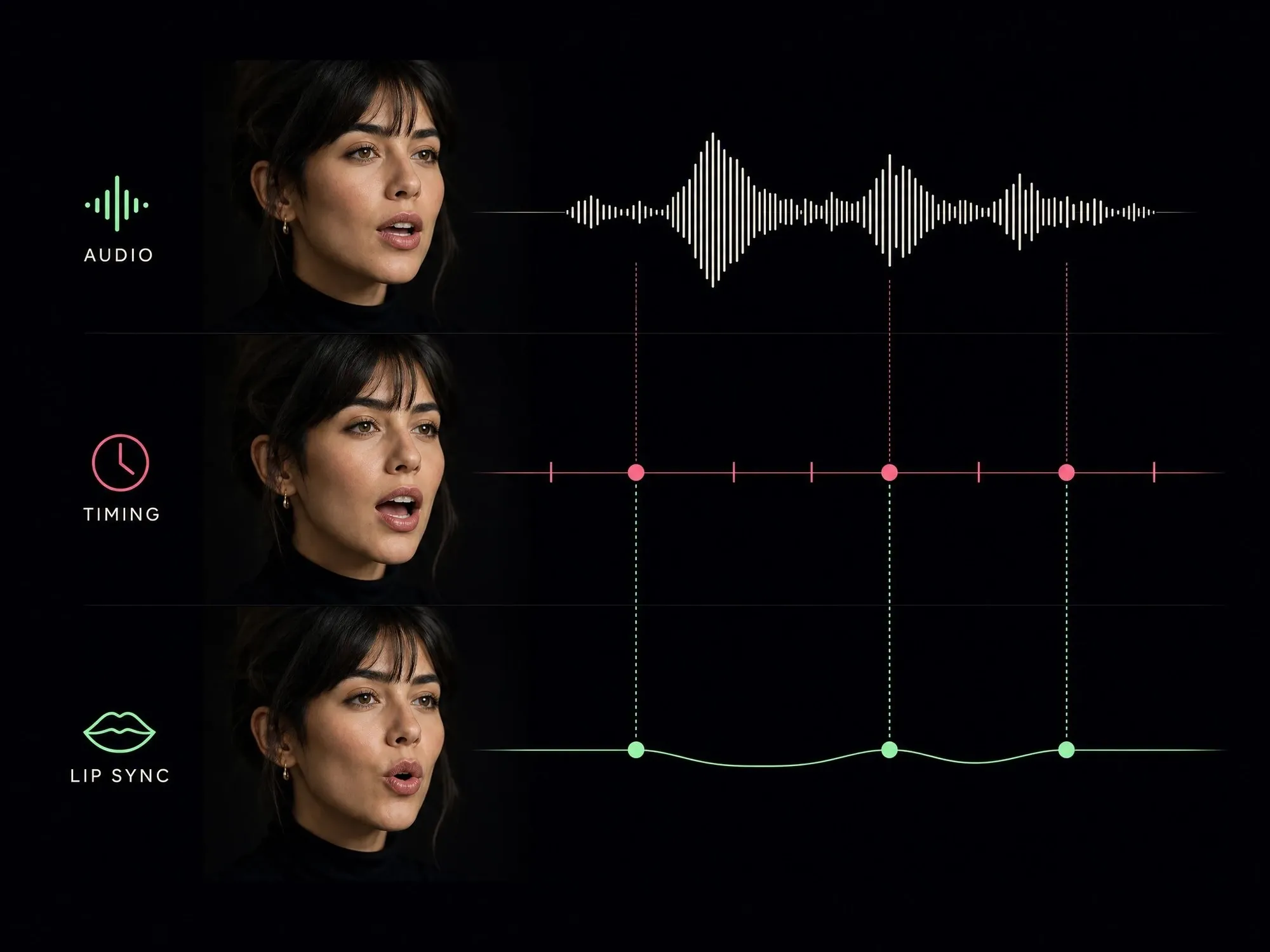
Give the model a useful direction
Keep the spoken performance natural and avoid unnecessary background noise in the reference. Start with a short passage containing varied sounds to evaluate the movement.
Review the details that matter
Watch consonants, pauses and transitions into silence. Check the mouth area at normal playback speed and in still frames. Confirm that the output communicates the intended words without introducing misleading context.