Audio and music studio
AI Text to Speech for Voiceovers
Turn a script into a spoken performance for narration, explainers or a character voice. Keep the text, voice choice and available speech settings together so the delivery can be refined alongside the words.
A clearer creative process
Edit your script for the ear
Read the script aloud before you generate. Replace dense clauses with shorter sentences and put punctuation where the voice should pause. Test proper names and numbers early, then listen for consistent pacing across the full line.
Example brief: This is the north trail. Follow the yellow markers for two minutes. At the bridge, turn left. Listen for the pause before the last instruction.
Three steps. Your direction.
How to turn a script into a voiceover
Prepare a script to be spoken
Break dense copy into short, complete thoughts. Mark natural pauses with punctuation.
Choose a voice
Pick an available voice that suits the audience and the purpose of the narration.
Listen before using the audio
Check names, numbers, emphasis and timing. Rewrite difficult phrases as needed.
Good questions
A few things to know.
How do I improve the pronunciation of a name?
Try a short test line. If the model offers pronunciation controls, use them. Otherwise try a spelling that sounds closer in context.
Can I use a script written for a blog post?
Adapt it for listening. Shorter sentences and spoken transitions can make it easier to follow without seeing the text.
How can I make the voice pause?
Use punctuation and shorter phrases. Preview the result because pauses vary by voice and model.
Is a custom voice required?
No. Start with an available voice. Use Voice Cloning if you need to create a reusable voice from an authorized sample.
Does this create a speaking video?
This workflow outputs speech. Use Talking Photo, Video Dubbing or Lip Sync when you need an appropriate visual workflow.
Start with the right material
Prepare the exact script and check the selected model’s language and text limits. Spell out ambiguous abbreviations when pronunciation matters. Use punctuation to indicate meaningful pauses rather than relying on visual line breaks.
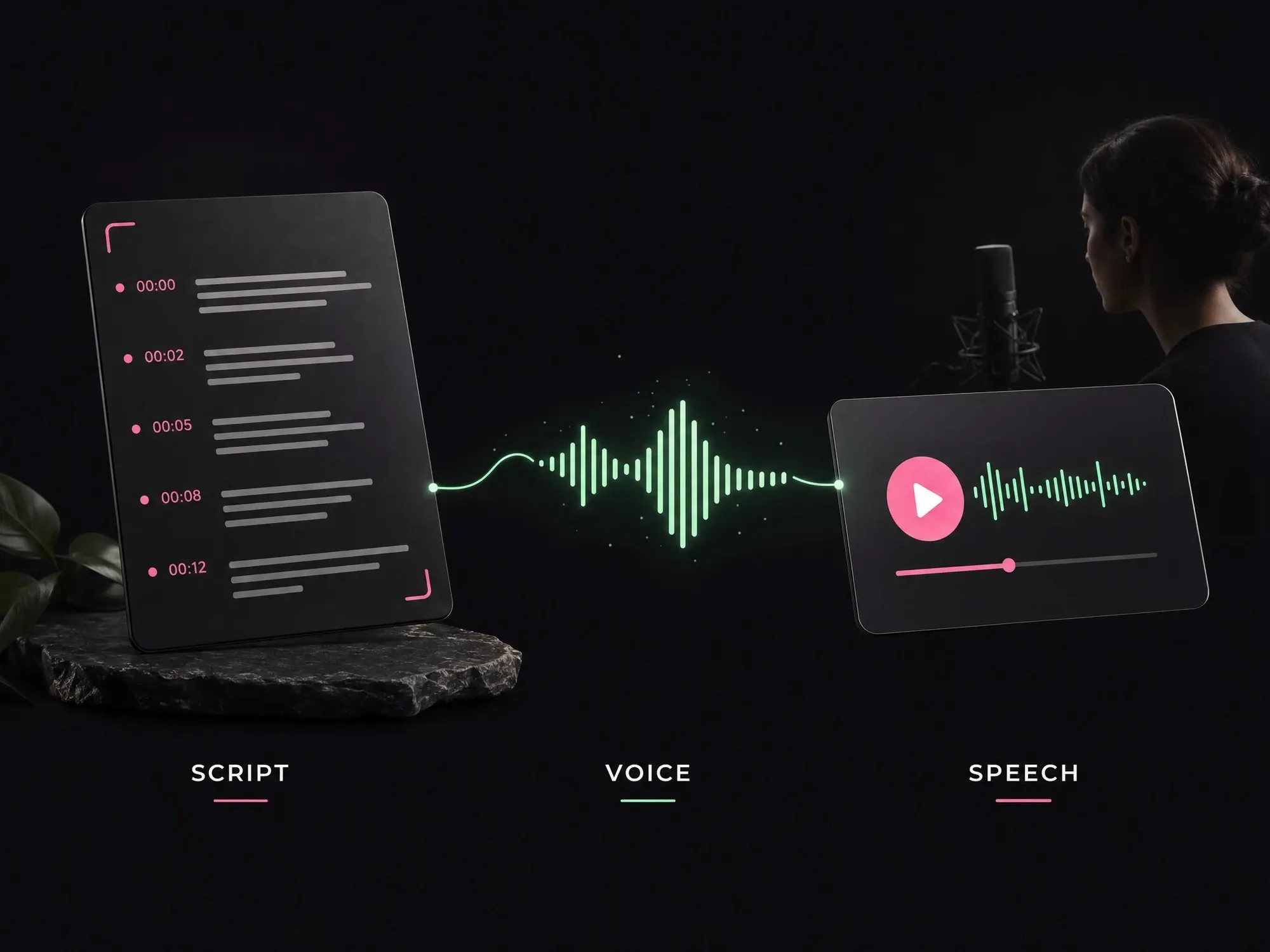
Give the model a useful direction
Choose a voice that suits the audience and tone. Test names, numbers and specialist terms in a short passage before preparing a long script. Editing the wording often improves delivery more than adding instructions.
Review the details that matter
Listen from start to finish for missing words, unnatural emphasis and inconsistent pacing. Check pronunciation against the intended meaning and confirm that the output fits its place in the video or audio project.