Character and avatar studio
AI Face Swap for Videos and Photos
Plan a face replacement using an authorized face reference and target image or video. The quality of the references matters: matching angle and lighting can make the intended composition easier to evaluate.

A clearer creative process
Match pose and lighting before swapping
A clear face reference gives the model visible features to work from. If the target turns sideways or moves in and out of shadow, compare several frames rather than judging the result from the opening alone. Use permissioned subjects and label edited media where appropriate.
Example brief: Use a consented, front-facing studio portrait and a target clip with similar lighting. Inspect one frame before, during and after a small turn.
Three steps. Your direction.
How to swap a face in a photo or clip
Choose a permitted face reference
Use a clear reference with minimal obstruction around the eyes, nose and mouth.
Prepare the target
Choose a supported photo or clip. Match the reference angle and light where practical.
Check the face through the shot
Look at expressions, profile frames, skin tone and the boundary of the replaced face.
Good questions
A few things to know.
Does Face Swap change hair and the outline of the head?
Its focus is the face. Use Head Swap when hairstyle or the whole head outline is the intended change.
What reference angle should I use?
Match the angle of the target when possible. A clear forward-facing reference is a useful starting point for a forward-facing target.
Why does a face flicker during a turn?
The face may be hidden or distorted by the angle or motion blur. Test a shorter clip with a clearer face.
Can I use someone's likeness without asking?
Use a likeness only when you have the applicable permission. Review the site's content rules before uploading or sharing.
What should I check before exporting a swapped video?
Review expressions, blinking, edges and difficult frames where the face is partly covered.
Start with the right material
Use material depicting consenting adults or original fictional characters. Choose a face reference with clear features and a target with compatible framing. Review whether the selected model accepts an image, video or both.
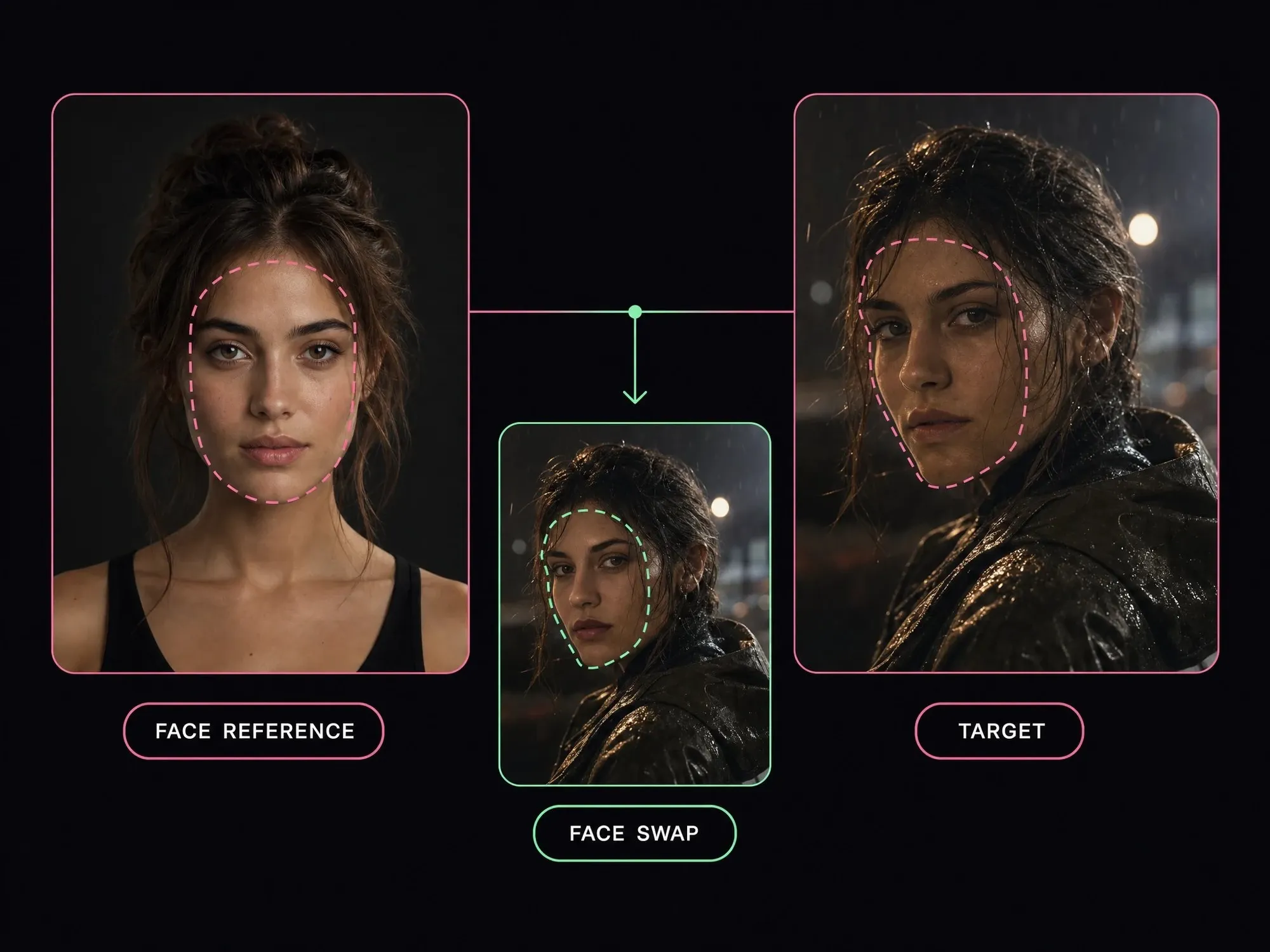
Give the model a useful direction
Decide what the edit should preserve: expression, hairstyle, scene lighting and the target’s pose. Face replacement changes a facial region; replacing the entire head is a different workflow.
Review the details that matter
Inspect eyes, teeth, skin boundaries and movement across a video. Do not use an altered likeness to mislead viewers about a person’s actions or endorsement. Label synthetic media where the context requires it.