Image studio
AI Image Generator from Text
Create a visual composition from a written idea. Describe the subject, setting, materials and lighting, then choose a compatible model and output settings. A clear brief gives each version a common direction for comparison.

A clearer creative process
Build the composition before adding detail
If you need space for a headline or logo, describe where the empty area should be. Choose the crop before refining texture and light. Start with a clear scene and add specific style cues after the silhouette and composition work.
Example brief: Wide editorial still of a terracotta cup beside an open window. Put the cup on the right third, keep the left side quiet, and use soft morning light.
Three steps. Your direction.
How to generate an image from text
Define the frame
Name the main subject, background and any space you need around them.
Direct the look
Describe the light, color and visual style. Pick an output ratio available on your model.
Refine one decision
Compare the outputs for composition first. Then adjust the light, crop or texture one at a time.
Good questions
A few things to know.
Can I start without an image?
Yes. Write a prompt that describes the scene. Reference image support varies by model.
How can I leave space for text?
State which side should be empty and where the main subject should sit. Add final lettering separately if it needs to be exact.
Can it spell my headline correctly?
Text rendering varies. Inspect letters at full size, and add important text in an editor when precision matters.
Should I choose the aspect ratio before generating?
Yes, if the target layout is already known. A portrait cover and a wide banner need different framing.
When should I use AI Photo Editor instead?
Use the editor when you have a source image and want to change specific elements while retaining its structure.
Start with the right material
Start with the most important visual information: the main subject, its surroundings, framing and style. If the image needs lettering, keep the wording explicit and inspect it carefully in the result.
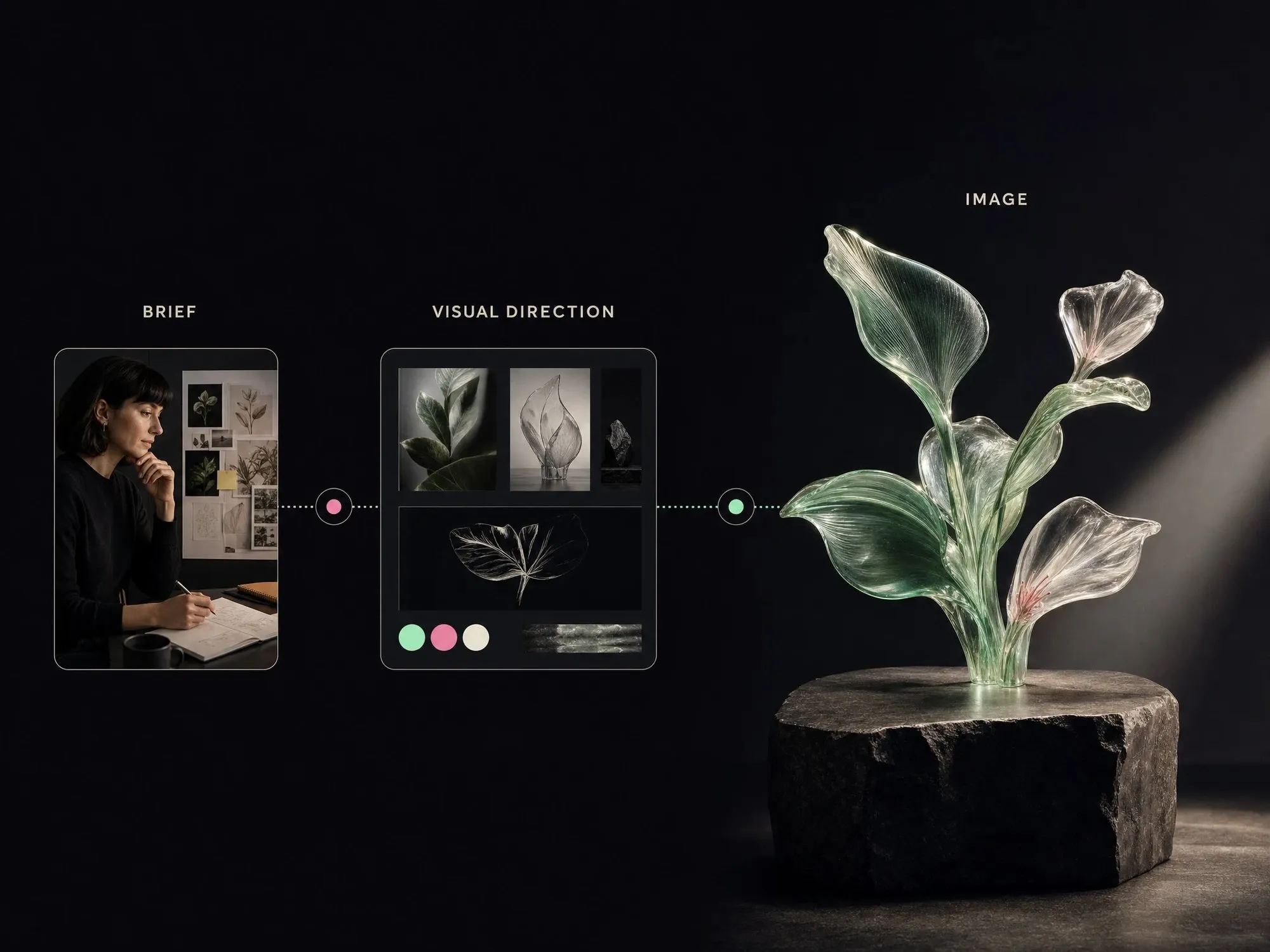
Give the model a useful direction
Build the composition before adding decorative detail. Decide whether the image is a close portrait, a wide environment or an object study. Change one variable at a time when exploring color, lighting or perspective.
Review the details that matter
Inspect hands, small objects, text and repeated patterns. Evaluate whether the image meets the brief before choosing by sharpness alone. Keep the prompt and settings for any version you want to revisit.