Video studio
AI Text to Video Generator
Turn a written scene into a video shot. Start with a subject, describe one action, and give the camera a clear direction. Genreel keeps the prompt, model choice and output settings together so you can develop a visual idea without rebuilding the brief for every version.
A clearer creative process
Write a prompt that reads like a shot list
Give each shot one visual job. For a station scene, decide whether the camera follows a traveler or watches the train leave. Separate what happens in the frame from the way the camera sees it. Generate a first take and change one instruction at a time.
Example brief: A train glides into a foggy station at dawn. One traveler steps back from the platform edge. Locked wide shot, soft amber station lights, no cut.
Three steps. Your direction.
How to generate a shot from text
Write one on-screen action
Name the subject, place and action in the present tense.
Set the framing
Describe the angle and one camera move. Choose the orientation and other controls available on your model.
Compare the first take
Replay the opening and ending. If the action is unclear, simplify the prompt before changing the model.
Good questions
A few things to know.
Do I need to upload a starting image?
No. Start with a written scene. Use Image to Video when an existing image needs to define the starting composition.
What should a text-to-video prompt contain?
Describe the subject, setting, one visible action and one camera instruction. Add lighting or tone once the action is clear.
Can I turn an entire script into one clip?
Break a script into shots. Generate each beat separately so you can control the action and choose takes before editing.
Why did the camera ignore my direction?
Several competing moves can make the shot ambiguous. Try one instruction such as a static wide shot or a slow push-in.
How do I choose vertical or horizontal output?
Choose the destination format before rendering. Available aspect ratios depend on the model you select.
Go a little deeper
Notes for your next creation.
Start with the right material
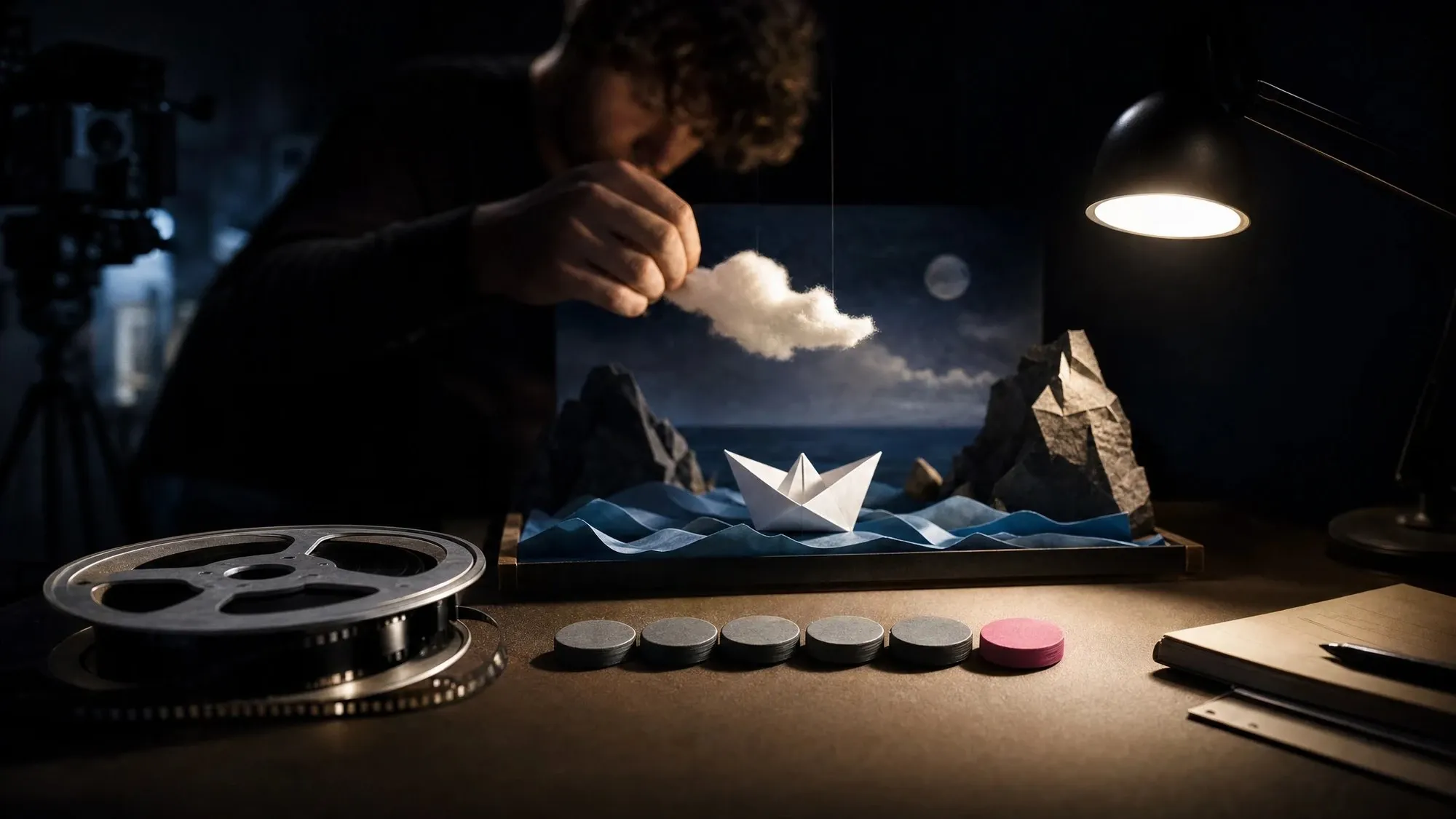
Begin with a written description. Include the setting, lighting, framing and pace. If you already have a photograph that must define the subject, choose image to video instead of expecting a text prompt to reproduce that photograph.
Give the model a useful direction
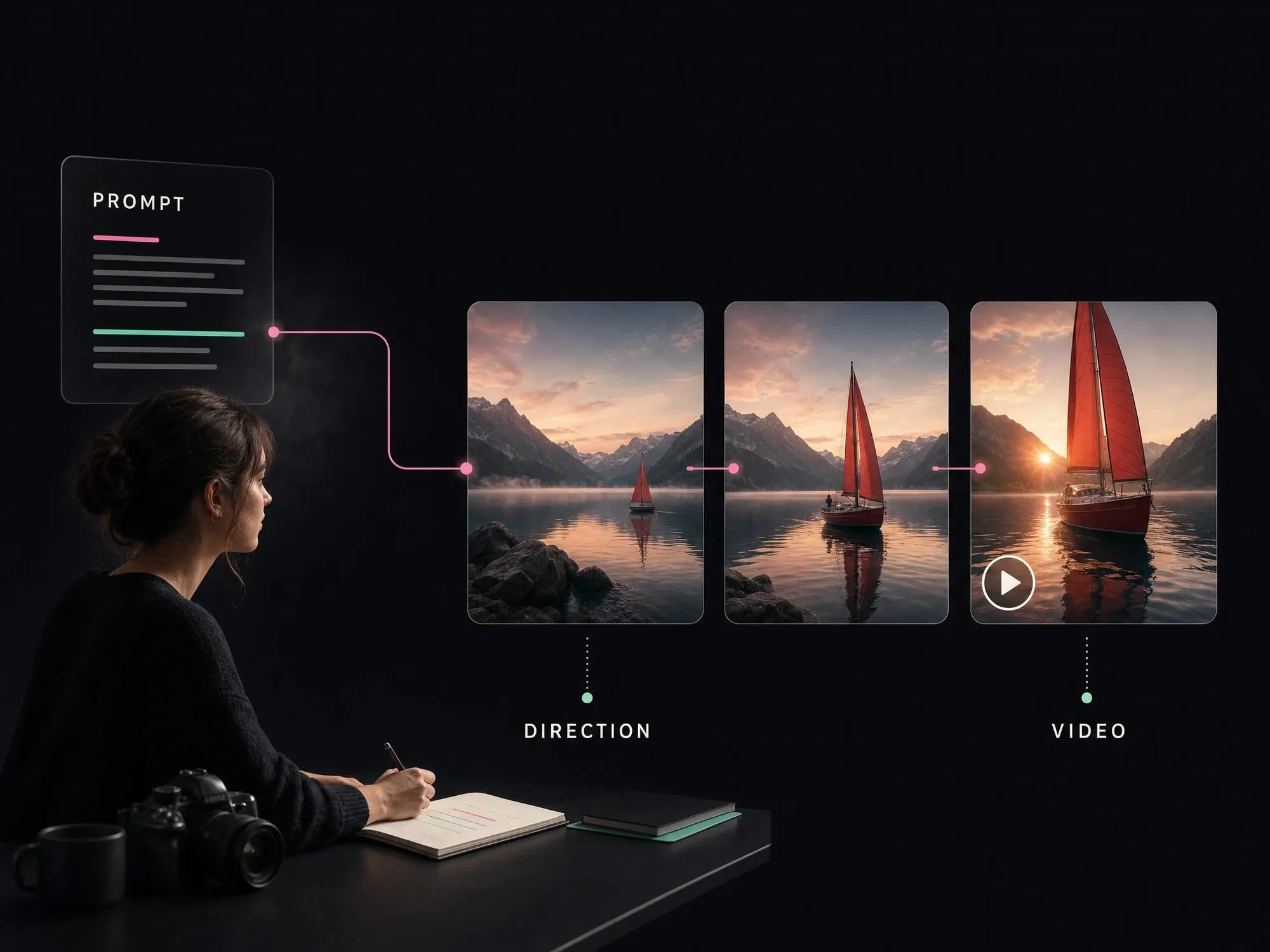
Write the action in the order it should happen. A slow push toward a still subject is a different shot from a subject moving toward a fixed camera. Keeping those instructions separate makes a prompt easier to evaluate.
Review the details that matter
Review the complete shot for subject changes, camera jumps and inconsistent objects. A strong opening frame does not establish that the motion remains coherent through the final frame.