music studio
AI Music Generator for Instrumental Tracks
Develop a music direction without lyrics. Describe the mood, instrumentation, energy and structure, then use a compatible music model to explore a track that fits the project.

A clearer creative process
Write the brief around the music's job
A narration bed needs space for speech. An opening cue can make a stronger entrance. Describe how the track should build or resolve, and compare the first result under the actual scene rather than judging it in isolation.
Example brief: Soft felt piano and brushed percussion for a quiet studio montage. Leave space for narration. Keep the arrangement sparse and end with a gentle resolution.
Three steps. Your direction.
How to create an instrumental cue
Define the role of the track
Decide whether it is a narration bed, opening theme or transition cue.
Describe the sound
Specify instruments, energy and whether the arrangement should stay sparse or build.
Listen against the scene
Check whether the track supports the cut, leaves room for speech and ends in the right place.
Good questions
A few things to know.
How do I ask for music without vocals?
Use the instrumental workflow and describe the intended arrangement without lyrics.
Should I include a tempo in the brief?
You can describe the pace or give a tempo as guidance. Verify how the generated track actually feels before cutting to it.
What makes a good narration bed?
Start with a sparse arrangement and steady energy, then listen under speech to check that the words remain clear.
Can I make a sung track here?
Use AI Song Generator when lyrics and a vocal performance are part of the brief.
How should I plan the ending of a score cue?
Describe whether the track should resolve, fade or leave space for the next shot. Review the ending against the edit.
Start with the right material
Write a short musical brief and check duration controls in the selected model. Identify where the music will sit: a quiet background bed, a scene transition or a more prominent introduction.
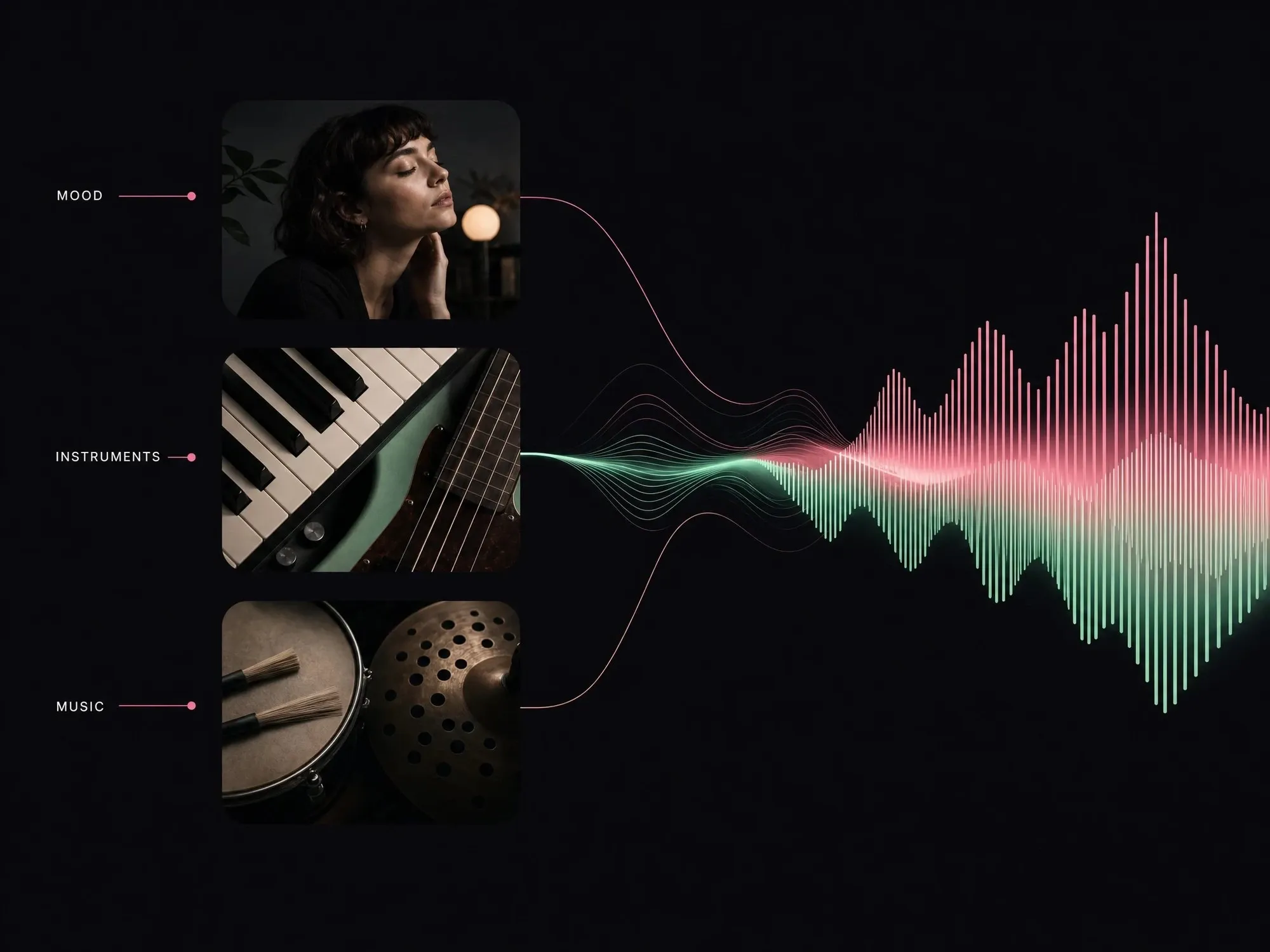
Give the model a useful direction
Specify a few useful anchors instead of naming many incompatible genres. Instruments, tempo feel and dynamic development give the track a clearer purpose. Request space for speech when the music accompanies narration.
Review the details that matter
Listen for abrupt changes, unwanted vocals and an ending that fits the intended edit. Confirm the applicable model and service terms before distributing or commercially using the track.