Video studio
AI Motion Transfer
Use a reference performance to guide a character’s movement. Motion transfer combines an appearance reference with an action reference, making it useful when the intended performance is easier to show than to describe.
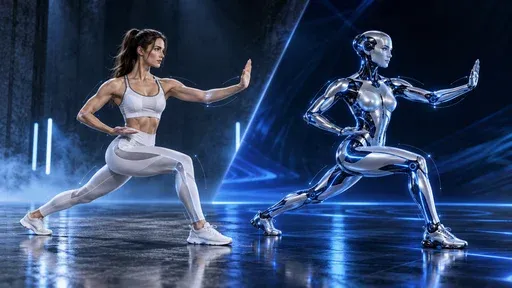
A clearer creative process
Choose motion your character can follow
A movement reference is easiest to interpret when the limbs involved stay visible. Match the character image to the reference framing. A waist-up photo is a better starting point for a hand gesture than for footwork that requires a full-body view.
Example brief: Use a reference of a performer taking one side step and raising a hand. Start from a full-body illustration with both arms and both feet visible.
Three steps. Your direction.
How to transfer motion to a character
Choose the character image
Use a clear silhouette and framing that shows the parts of the body you want to move.
Select a movement clip
Pick one continuous action with a readable body pose and few occlusions.
Compare timing and pose
Check the start and end poses, the rhythm and limb visibility against the motion reference.
Good questions
A few things to know.
What is transferred from the reference clip?
The clip guides movement. Use the separate character image to establish the appearance you want to animate.
Can I use a clip with multiple people?
Use a reference with one clearly visible performer when possible. Other people can make the intended motion ambiguous.
Why do hands or feet disappear?
The reference or character image may crop or cover them. Try framing that keeps the moving parts visible.
How is Motion Transfer different from Character Replacement?
Motion Transfer uses a clip to drive an image. Character Replacement puts a new character into an existing video context.
What reference footage can I use?
Use material you own or have permission to use. Check the selected model's source clip requirements before uploading.
Start with the right material
Choose a clear character reference and a motion clip with readable body movement. Confirm you have permission to use both the appearance and the performance. Check the model’s input types and length limits.
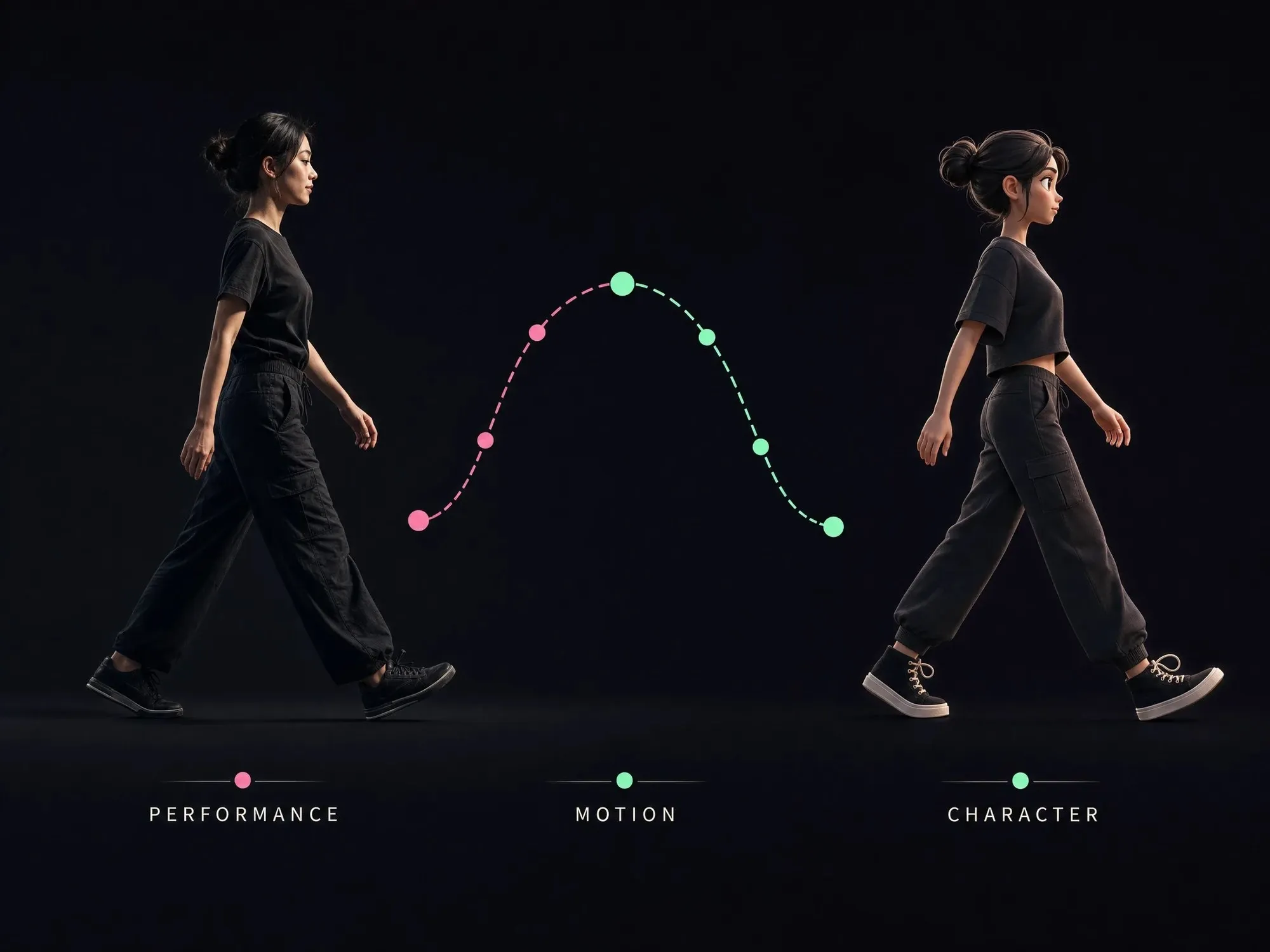
Give the model a useful direction
Match framing to the action. Full-body movement benefits from a visible full-body character, while a close facial reference may be unsuitable for wide gestures. Keep the requested environment simple when testing a new performance.
Review the details that matter
Look for sliding feet, broken joint positions and changes in clothing or identity. Evaluate the timing of the transferred movement as well as the quality of individual frames.