avatar studio
AI Avatar Creator from Photo or Video
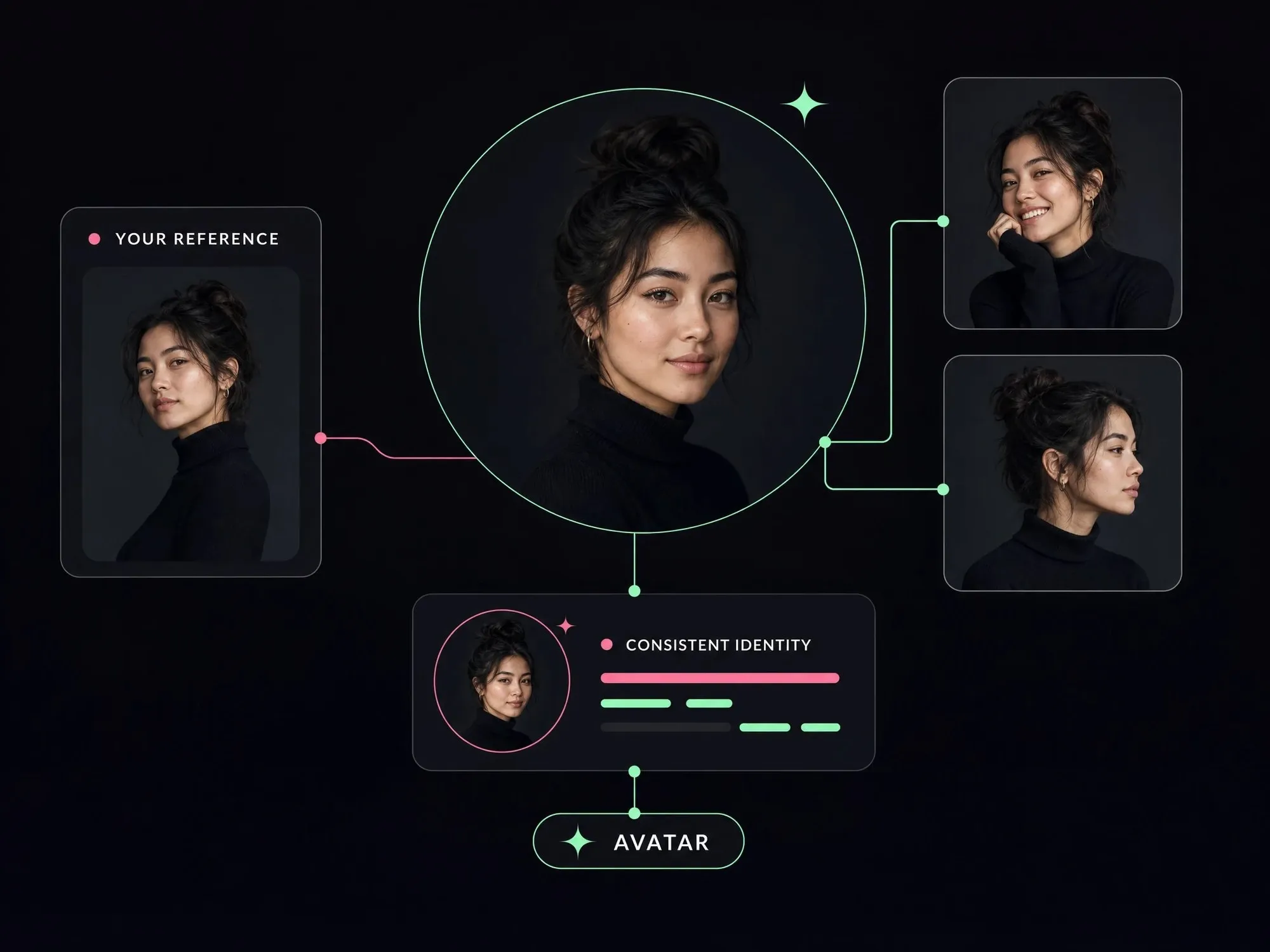
Prepare a reusable visual identity from an authorized image or video reference. An avatar gives a project a consistent character to return to across compatible speaking and visual workflows.

A clearer creative process
Prepare a reference you can use again
Choose even lighting, a consistent appearance and a frame where the face is visible. For video references, avoid sudden changes in angle or lighting. Keep permissions and the original source clear so you can reuse the avatar appropriately.
Example brief: Build an avatar from a clear, authorized presenter reference against an even background. Review the face, outline and appearance before using it for a new line.
Three steps. Your direction.
How to make an avatar for reuse
Choose your creation mode
Select photo or video creation based on the input options available in the workspace.
Provide the authorized reference
Use a clear image or clip with a visible subject and consistent lighting.
Review the avatar for reuse
Check recognizable features before moving on to speech, lip sync or another project.
Good questions
A few things to know.
Should I use a photo or a video reference?
Choose the input supported by your selected mode. Start with the clearest reference that represents the appearance you want.
Can I create an avatar of another person?
Use another person's likeness only with the required authorization for both creating and using the avatar.
Can I use the avatar for speech later?
An avatar can be a starting point for compatible speaking workflows. Check the available settings for the task you want to run.
Why is the avatar hard to recognize?
Try a clearer source with stable lighting and fewer occlusions. Avoid filters that change the features you want to preserve.
Is this the same as making a talking photo?
Avatar Creator prepares a reusable character. Talking Photo uses a still portrait to make a speaking clip directly.
Start with the right material
Choose clear reference material and follow the selected avatar model’s creation requirements. Use your own likeness, a consenting adult or an original fictional character with appropriate rights.
Give the model a useful direction
Decide the avatar’s visual role before creating it: presenter, fictional guide or recurring character. Keep reference quality and style consistent so later projects start from a useful identity.
Review the details that matter
Check recognizable features and the intended presentation style. An avatar reference does not grant permission to imitate a real person’s speech, actions or endorsement without their agreement.