avatar studio
AI Talking Photo Maker
Build a speaking portrait from a photograph and a script or audio reference. A clear source portrait and a concise message help keep the speaking performance focused.
A clearer creative process
Start with a portrait that shows the mouth clearly
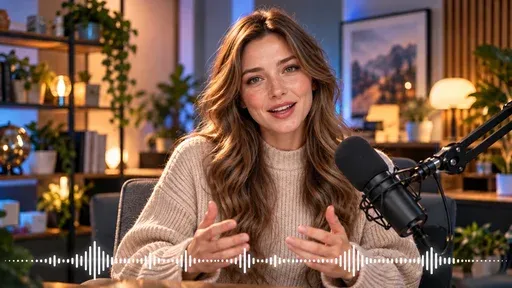
Choose a portrait with a visible mouth and a natural head angle. Write a short line that is easy to say in one breath. Listen and watch together so you can catch clipped words, a stiff expression or a mismatch between speech and movement.
Example brief: Use an authorized front-facing portrait and the line: Welcome to the studio. Here is the first thing we are making today.
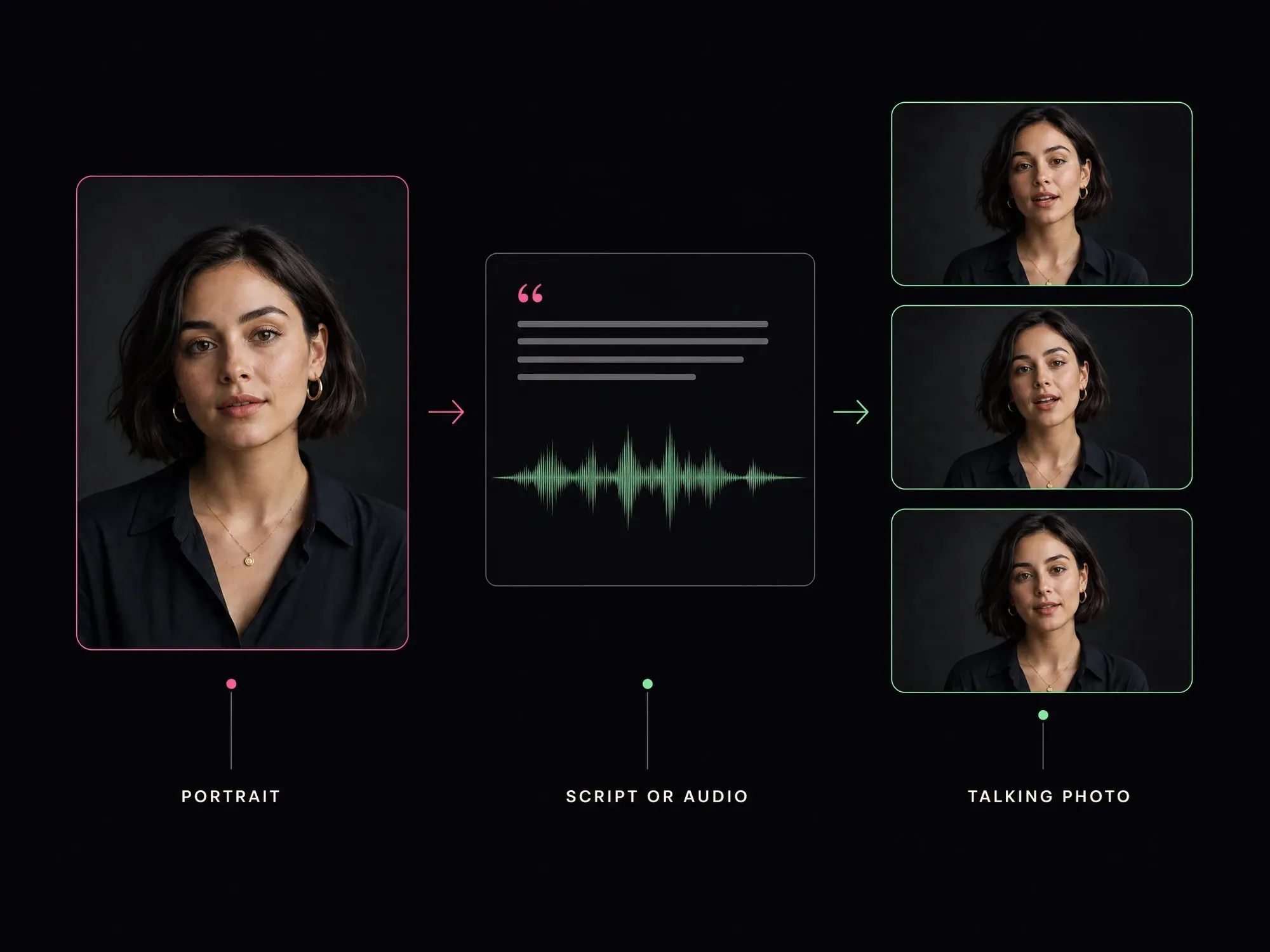
Three steps. Your direction.
How to make a photo speak
Choose the portrait
Use a visible face with minimal obstruction around the mouth.
Add a line of speech
Enter a short script or supply an authorized voice track where supported.
Watch the speaking portrait
Check pronunciation, mouth movement and the expression at the beginning and end.
Good questions
A few things to know.
Is a side-facing photo a good starting point?
Use a forward-facing or slightly angled photo when possible, with the mouth visible and well lit.
Can I upload my own voice track?
Some configurations accept audio input. Use a permitted recording and check the selected model's requirements.
How long should the first line be?
Try a short, complete sentence first. It makes timing and pronunciation easier to evaluate.
Why does the mouth move oddly?
Check whether the photo covers the mouth or whether the audio is unclear. Use a clearer portrait or cleaner track and compare.
Should I use Video Dubbing instead?
Use Talking Photo when the starting point is a still. Use Video Dubbing when you already have footage of a speaker.
Start with the right material
Use an authorized portrait with a visible, unobstructed face. Check whether the model accepts text, audio or both. Obtain permission for the person’s likeness and any voice recording used.
Give the model a useful direction
Write natural spoken language and keep the initial script short. Separate the message from movement instructions. A simple performance is easier to evaluate before adding more ambitious expressions.
Review the details that matter
Check lip movement, eye behavior and whether the spoken message matches the script. Do not present a synthetic portrait performance as a genuine statement from someone who did not authorize it.