Audio and music studio
AI Voice Cloning from an Authorized Sample
Prepare a reusable voice from an authorized recording. Voice cloning starts with the speaker’s permission and a clean sample, then uses that voice reference in compatible speech workflows.
A clearer creative process
Record a clean sample before trying to improve the clone
Use one speaker in a quiet room. Avoid music, reverb and background conversations. Test the clone with different words so you can judge whether the voice carries across lines, rather than comparing it only with the words it heard in the sample.
Example brief: Record a permitted speaker reading two natural sentences in a quiet room. Test the voice with a different line containing a name and a short pause.
Three steps. Your direction.
How to create a voice from a sample
Confirm permission for the voice
Use your own voice or obtain permission for the intended cloning and use.
Prepare a clean sample
Capture natural speech with one speaker and minimal room noise. Check the model's sample requirements.
Test with a fresh line
Listen for clarity, pacing and unwanted artifacts before using the voice in a project.
Good questions
A few things to know.
Can I clone a voice from a public video?
Public access does not grant permission to clone a voice. Use recordings you are authorized to use for this purpose.
Should I keep background music in the sample?
Use speech without music or overlapping voices. Background sound can make the speaker harder to distinguish.
How can I test whether the voice is reusable?
Try a new sentence with different sounds and pacing. Listen for recognizable characteristics without relying on the sample wording.
Why does the result sound muffled?
Check the recording for clipping, room noise or distance from the microphone. A cleaner sample is a useful next test.
Is this the same as selecting a voice for Text to Speech?
Voice Cloning creates a voice from an authorized sample. Text to Speech converts a script using the available voice options.
Start with the right material
Use recordings you own or have explicit permission to use for voice replication. Choose clean speech without music, overlapping speakers or heavy room noise. Review the model’s sample duration and file requirements.
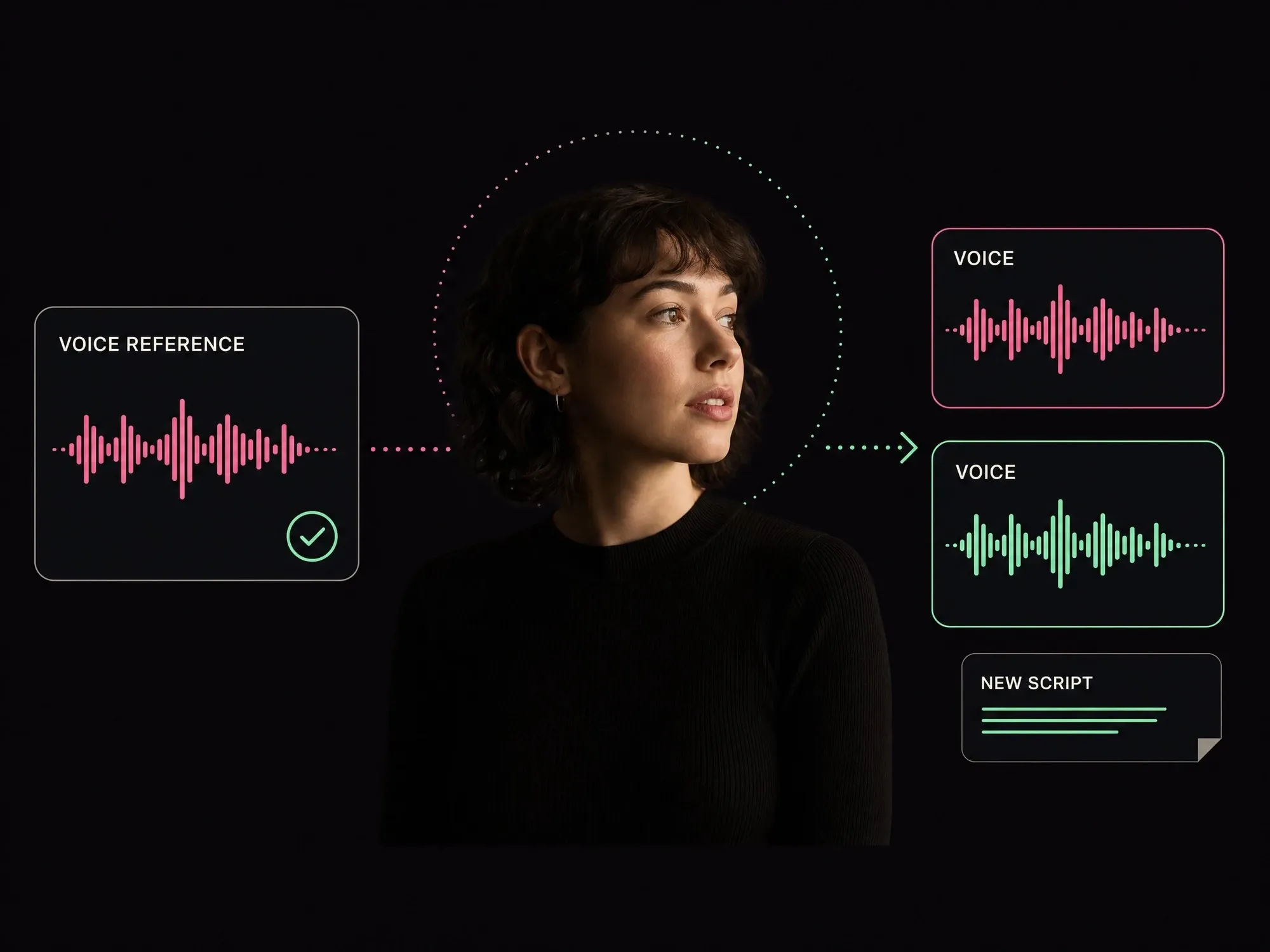
Give the model a useful direction
Keep the voice sample representative of the delivery you need. A calm recording is a different reference from an exaggerated performance. Test the voice with a short, neutral script before using project-specific material.
Review the details that matter
Review intelligibility, pronunciation and resemblance without presenting the output as a genuine recording of the speaker. Reconfirm permission when the purpose or distribution of the cloned voice changes.