Grok Extend unavailable? Plan your next clip
A task-first alternative workflow for continuing a short clip. Check current account availability before assuming a feature was removed.
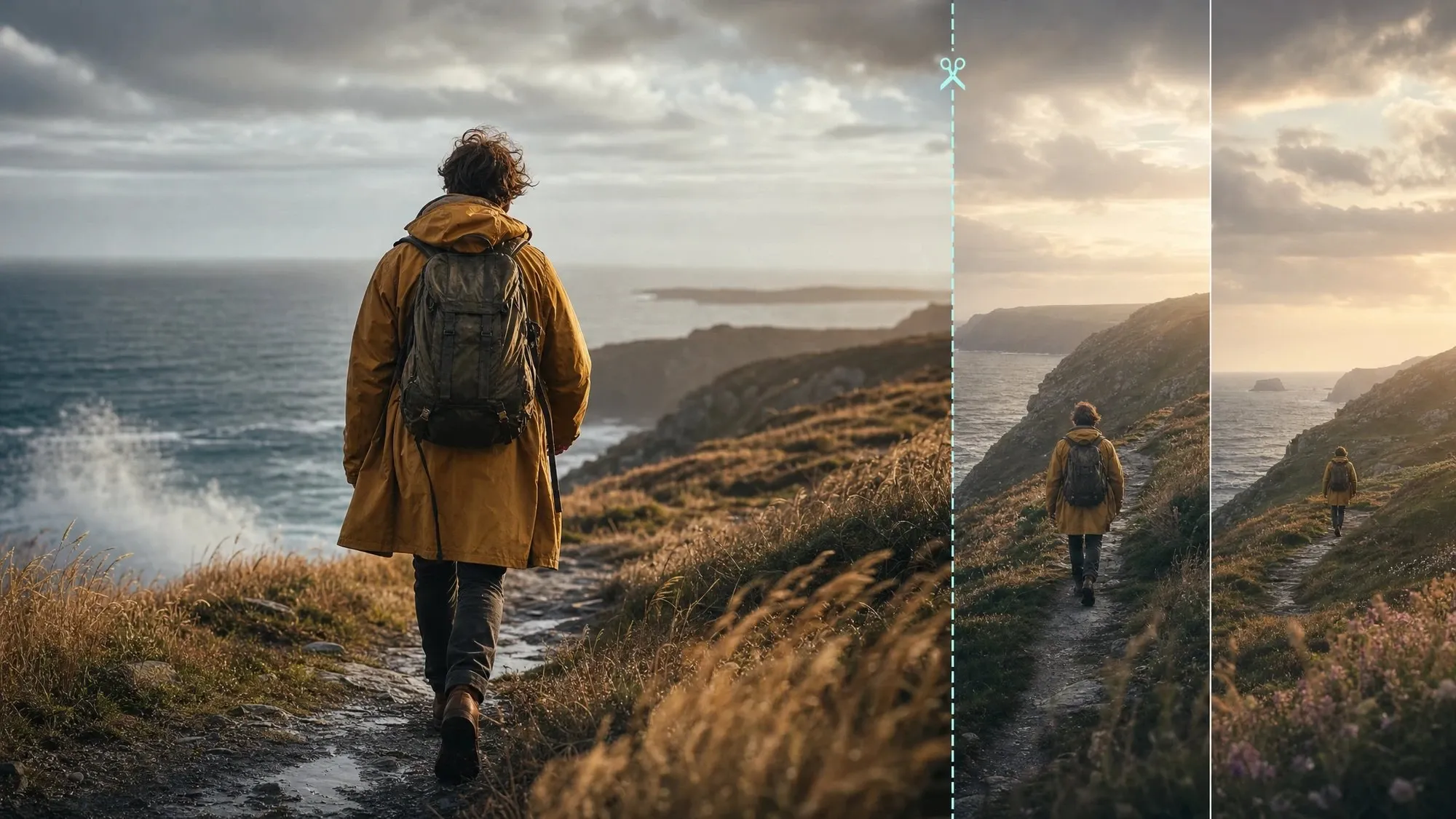
Confirm what is unavailable
A missing option can reflect a model, plan, region or account change. Check the current product documentation and your selected model. This page does not assert that Grok has removed Extend for everyone.
Choose a continuation method
If a tool accepts source video, use the original clip. If it only accepts images, export a final frame you own and use it as the starting point for a separate image-to-video shot. The second method is a new shot, not seamless extension.
Describe only the next action
A continuation prompt should preserve the subject and explain the next beat: “The traveler keeps walking, the camera follows slowly, the light remains consistent.” Avoid introducing an unrelated setting.
Match and review
Match ratio, pace, lighting and direction. Inspect the cut between clips for jumps. Continuity and supported extension controls depend on the selected model.
PUT THE IDEA INTO PRACTICE