Best Uncensored AI Video Tools in 2026: No Filters, Pure Freedom
We tested the top uncensored AI video & image-to-video tools in 2026. Discover unfiltered cloud platforms (like GenReel) and open-source setups with zero guardrails.
AI video generation has reached near-cinema quality in 2026. Yet for independent creators, digital artists, and experimental filmmakers, the biggest hurdle isn’t rendering resolution or frame consistency—it’s over-moderation. Mainstream platforms like Sora, Veo, and Runway have tightened their safety guardrails to the point where benign creative prompts—ranging from dark horror storytelling and intense action choreography to fine-art nudity and mature romance—frequently trigger false-positive blocks. Worse yet, even if you manage to generate an unrestricted still image elsewhere, most cloud video generators will immediately reject it the moment you try to animate it. To be clear, “uncensored” does not mean illegal. Responsible platforms still strictly prohibit non-consensual deepfakes, harmful content, and illegal material. Instead, an uncensored AI video tool removes arbitrary moralizing filters, giving adult creators and visual storytellers true creative autonomy over their prompts, characters, and aesthetics. If you are tired of fighting content filters, here are the best uncensored AI video generators in 2026—from zero-setup cloud studios to fully self-hosted open-source workflows.
Quick Comparison: Top Uncensored AI Video Tools (2026)
| Tool | Best For | Supported Modes | Filter Freedom | Setup & Hardware | Privacy |
|---|---|---|---|---|---|
| GenReel (GenReel.io) | All-in-one uncensored video & image studio (Top Pick) | Text-to-Video, Image-to-Video, Clip Extension, AI Music | Very High (Built for unrestricted creation) | Web-based, zero setup | Private cloud workspace |
| ComfyUI + Wan 2.x | 100% local control & zero platform rules (Power Users) | Image-to-Video, Text-to-Video, Custom Nodes | 100% Unfiltered (Local open weights) | Requires RTX 4090+ GPU & local install | Maximum (Data never leaves PC) |
| NoCensor AI | Unrestricted video with native sound effects | Text-to-Video, Image-to-Video, Audio FX | Very High (NSFW-friendly) | Web-based, credit/tier pricing | Private by default, no training |
| Mage.space | Testing community models & LoRAs | Text-to-Image, Image-to-Video | High (Clear adult/creative boundaries) | Web-based, free trial credits | Private mode available |
| Venice AI | Privacy-first generation & API access | Text, Image & Video Generation | High (Pro tier unlocks full video/NSFW) | Web-based & API | Local browser storage, zero logs |
1. GenReel — Best All-in-One Uncensored AI Video & Image Studio
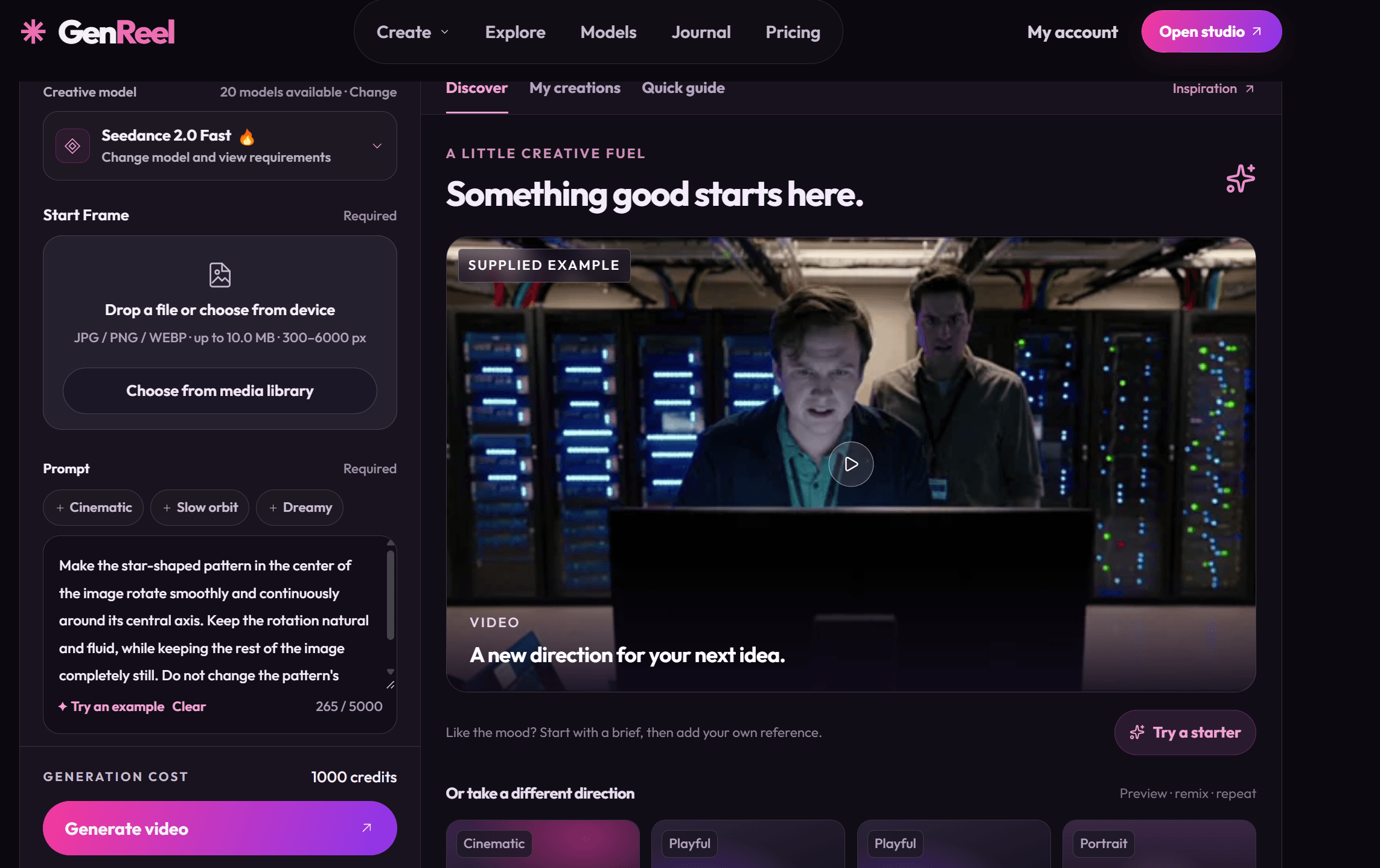
Most AI video workflows hit a frustrating wall: you spend hours generating the exact character or scene you want in an uncensored image tool, only to have mainstream video platforms block your upload when you try to bring it to life. GenReel (genreel.io) eliminates that friction entirely by offering an end-to-end creative studio built specifically for uncensored visual storytelling. Rather than forcing you to juggle multiple subscriptions, export files between platforms, or debug local Python environments, GenReel combines Text-to-Video, Image-to-Video, AI Image Generation, and AI Music inside a single, browser-based workspace. You can conceptualize your base visual from scratch, animate it with granular model controls, extend your clips beyond rigid 3-second loops, and score the final piece—all without heavy-handed content filters interrupting your flow. Why GenReel Stands Out: Seamless Image-to-Video Pipeline: Because both image and video engines live under one roof, your unrestricted characters and artistic styles stay consistent from first frame to final render. Built-In Clip Extension & Controls: Go beyond static micro-clips with native clip-extension tools and model parameter adjustments that keep motion smooth and coherent. Zero Hardware Barrier: You don't need an expensive high-VRAM GPU or hours of node troubleshooting. Everything runs fast in the cloud, making it accessible on any laptop. Integrated Audio: Built-in AI music generation lets you finish a complete audiovisual concept without leaving the tab. Limitations: As a cloud-hosted studio, heavy daily rendering relies on platform credits/plans rather than unlimited local GPU compute. Verdict: If you want the cleanest, fastest way to generate and animate uncensored visuals without touching code or local hardware, GenReel is easily the #1 choice in 2026. GenReel is an all-in-one platform combining video, image, text, and audio generation with face-swapping capabilities. Powered by 20+ AI models, it delivers up to 4K output and generates clips up to 30 seconds per run, alongside handy features like built-in prompt refinement. Please note that no free trial is available.
2. ComfyUI + Wan 2.x / FramePack — Best for 100% Local & Open-Source Control
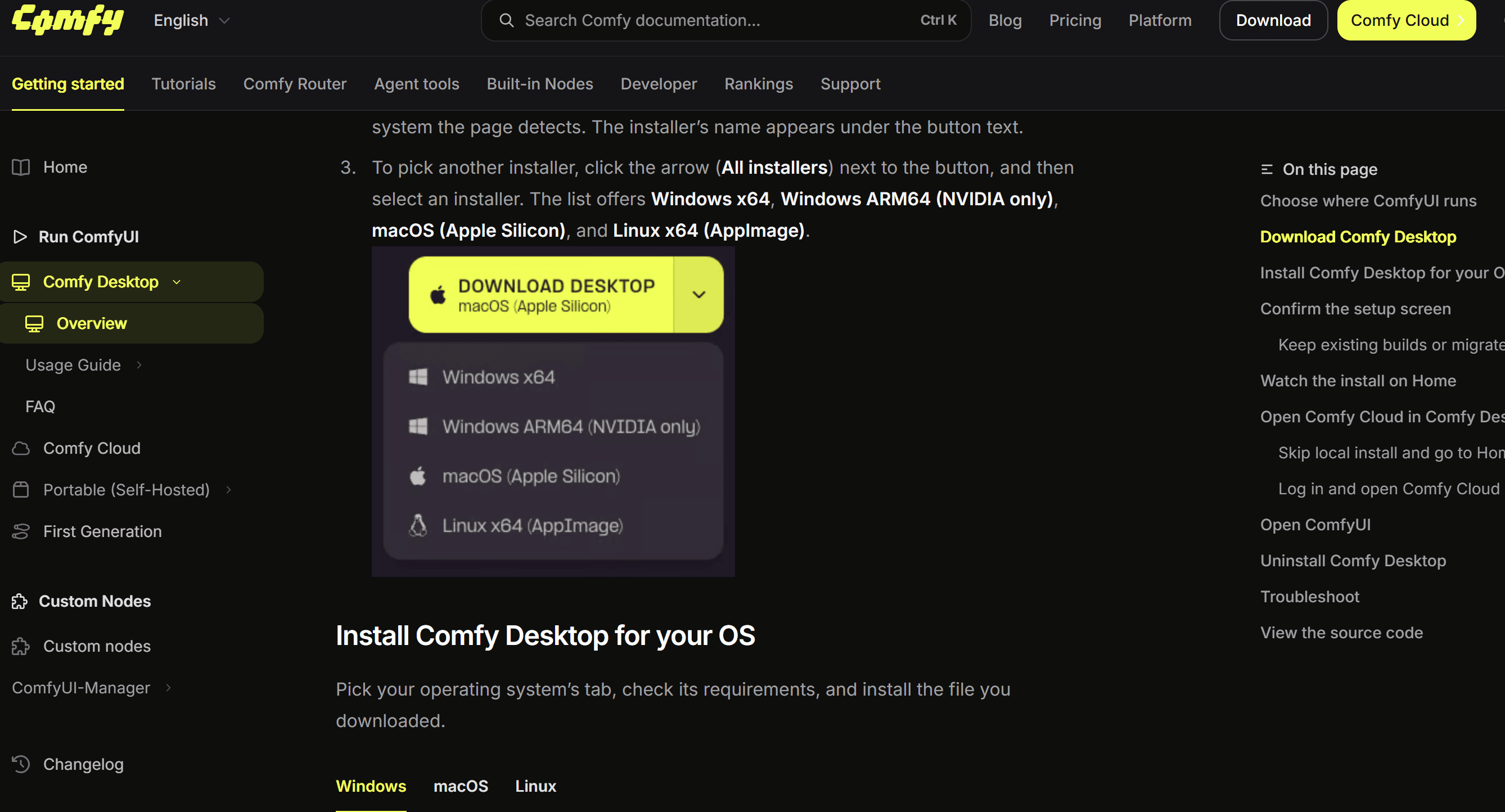
If you have the hardware and technical patience, nothing beats running open-weight video models locally. In 2026, pairing ComfyUI with open-source video architectures like Wan 2.x or FramePack gives you absolute creative sovereignty. Because the weights run directly on your own machine, there are zero cloud moderators, zero prompt blacklists, and zero third-party data logs. Why It Stands Out: Zero Guardrails: You have total control over base models, custom LoRAs, motion modules, and sampling parameters. Complete Privacy: Your prompts, reference images, and rendered videos never leave your hard drive. Limitations: Not Beginner-Friendly (At All): ComfyUI has steep technical and hardware requirements and is notoriously prone to errors. Even experienced users frequently run into broken workflows, dependency crashes, and failed Image-to-Video nodes, alongside the cost of an RTX 3090 or 4090+ GPU. If you aren't already comfortable troubleshooting complex software and developer tools, think twice before diving in. Verdict: The gold standard for technical power users who want unlimited offline rendering—though for most creators, a zero-setup cloud studio like GenReel saves dozens of hours of frustration.
3. NoCensor AI — Best for Native Audio & Quick Video Extensions
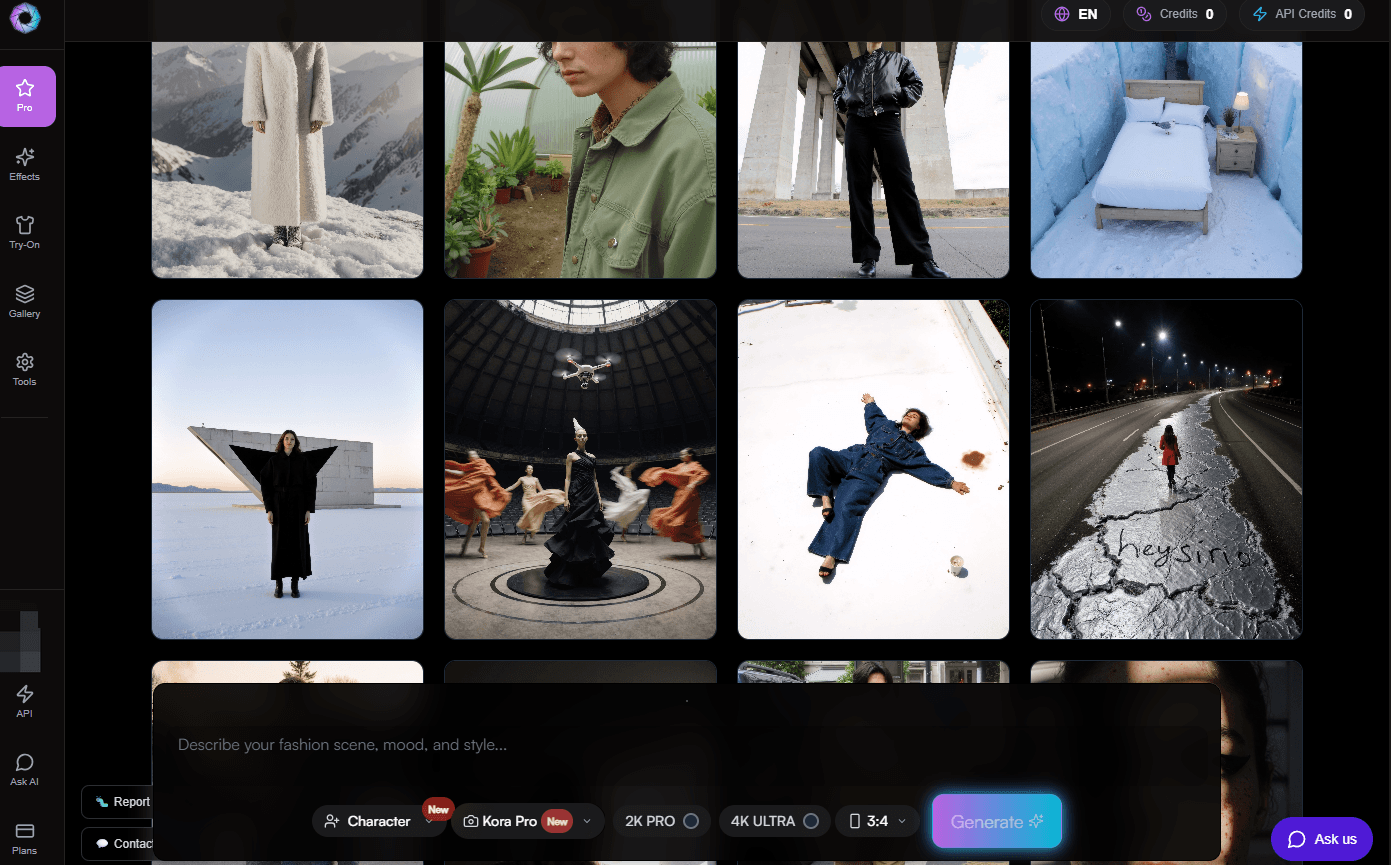
NoCensor AI is built specifically for creators looking for straightforward text-to-video and image-to-video generation without restrictive NSFW or mature-content blocks. One of its standout touches is built-in synchronized audio and sound-effect generation, which adds immediate atmosphere to short clips. Why It Stands Out: Audio-Visual Sync: Automatically pairs generated motion with ambient sound effects or basic audio tracks. No-Training Privacy Policy: User prompts and outputs remain private and are excluded from model training datasets. Limitations: Less granular control over multi-step visual workflows compared to GenReel or node-based setups. Although a free trial option appears under the pricing plans, clicking through reveals that it isn't actually available.
4. Mage.space — Best for Exploring Custom Models & LoRAs
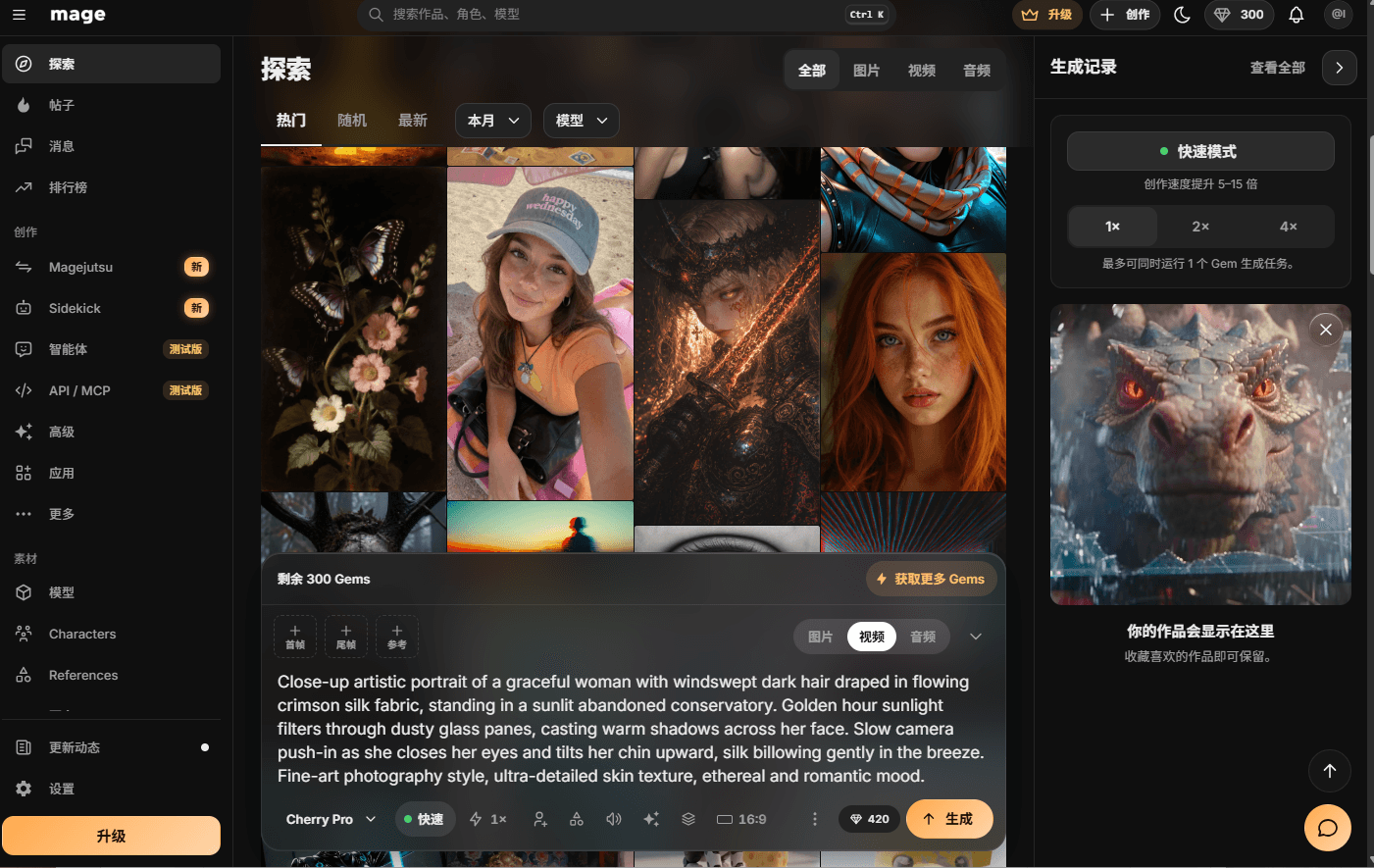
Originally known as a flexible cloud platform for Stable Diffusion and Flux image models, Mage.space has expanded into unrestricted image-to-video workflows. It maintains transparent, creator-friendly guidelines that permit mature artistic themes while offering a massive library of community-trained styles. Why It Stands Out: Rich Model Variety: Easily switch between photorealistic, stylized 3D, and anime-focused checkpoints before animating. Accessible Entry: Offers basic free tier access so you can test the interface before committing to a paid plan. Limitations: Slow Video Rendering Speeds: According to real user feedback on Reddit, video generation queues can be painfully slow—generating a single 5-second HD video often takes 5 to 10 minutes, leading some higher-tier subscribers to question its value for heavy video work.
5. Venice AI — Best for Maximum Cloud Privacy & API Integration
Founded on principles of digital privacy and censorship resistance, Venice AI routes requests through decentralized infrastructure without storing user prompts or generation histories on central servers. Upgrading to its Pro tier unlocks uncensored image and video capabilities alongside developer-friendly API access. Why It Stands Out: Zero-Retention Architecture: Generations are stored locally in your browser rather than logged in a corporate database. Developer Friendly: Ideal if you want to integrate uncensored generation into your own private creative apps via API. Limitations: Clunky User Experience: While privacy advocates praise its architecture, real user reviews on Trustpilot (where it holds a 2.0/5 rating) frequently point out a frustrating platform interface and comparatively bare-bones video generation tools compared to dedicated visual studios.
How to Choose the Right Uncensored AI Video Generator
Before committing to a subscription or upgrading your PC, evaluate your workflow against three practical factors: Cloud Convenience vs. Local Hardware: If you already own an RTX 4090 and enjoy tweaking node graphs, local ComfyUI is unbeatable. If you want instant results from any browser without burning $2,000+ on hardware, go with a cloud studio like GenReel. End-to-End Workflow Consistency: Generating a great image is only half the battle. Choosing an integrated platform where you can generate, animate, and extend clips in one place prevents the format mismatches and character drift that happen when bouncing between tools. Privacy & Commercial Rights: Always verify that your chosen platform keeps generations private by default and grants you full commercial ownership of your outputs.
Frequently Asked Questions (FAQ)
Frequently Asked Questions (FAQ) Are uncensored AI video generators legal to use in 2026? Yes. Using uncensored AI tools for original artwork, mature storytelling, horror, or adult creative projects is legal in most jurisdictions, provided you follow core laws. Legitimate platforms strictly prohibit non-consensual deepfakes of real people, copyright infringement, and illegal content. What is the easiest uncensored AI video tool to use without a powerful PC? GenReel (genreel.io) is the easiest option for beginners and pros without high-end GPUs. Because it runs entirely in the cloud and bundles image generation, image-to-video, and clip extension together, you can start creating within seconds of signing up. How do I maintain character consistency in uncensored Image-to-Video? Start with a high-contrast, well-lit base image, and keep your motion prompts focused on one clear physical action plus a single camera movement (e.g., "slow push-in as the character turns toward the window"). Avoid overloading a single 4-second clip with multiple scene changes.